Gestures work as the universal communication tool in Soulslike games, letting you celebrate victories, greet fellow players, or just mess around during tense moments. Nioh 3 keeps this tradition alive with a solid collection of emotes that serve both social and practical purposes throughout your journey.
Beyond the obvious multiplayer uses, gestures actually unlock specific encounters and rewards in Nioh 3. Knowing how to access your emote wheel and when to use specific gestures can save you from unnecessary fights and score you some extra loot. If you’re just starting out, our what to do first guide covers essential early game systems.
Nioh 3 Emote Controls – How to Use Gestures
The game introduces emoting during the opening section, but the tutorial flies by quickly and most players forget the button combination after a few hours of gameplay. Here’s how to pull up your gesture menu:
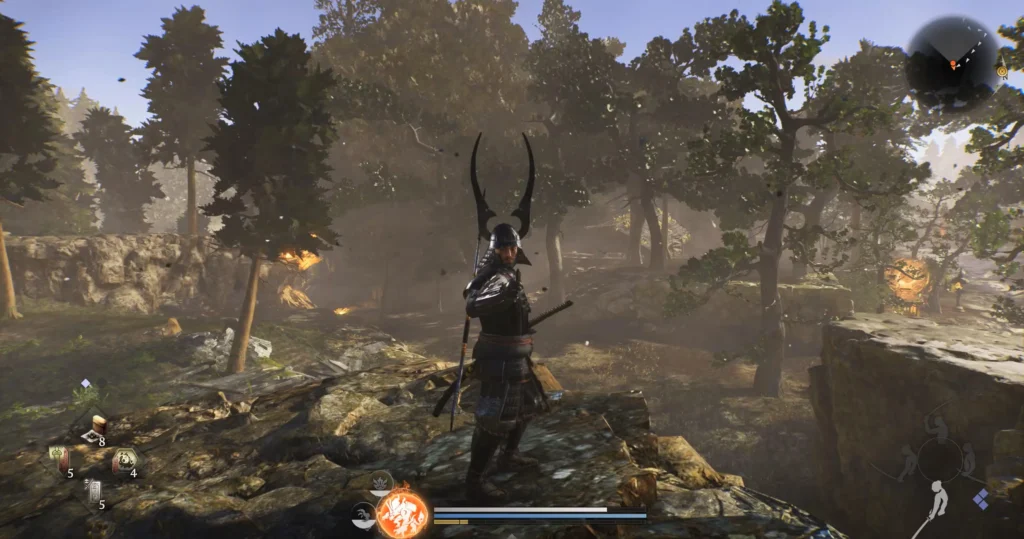
On Controller:
- Press R1/RB + Options/Start simultaneously
- This opens the gesture wheel with your available emotes
- Use the right stick to select a gesture
- Release the buttons to perform the selected emote
- You can cycle between gesture tabs if you have multiple pages
On Keyboard:
- Press G to open the gesture menu
- Navigate through available gestures
- Press Space to confirm and perform the selected gesture
The gesture system supports multiple tabs, so as you collect more emotes throughout the game, they’ll organize into separate pages you can flip through. This becomes particularly useful once you’ve unlocked a dozen or more gestures from various sources. For more control customization tips, check out our beginner tips and tricks.
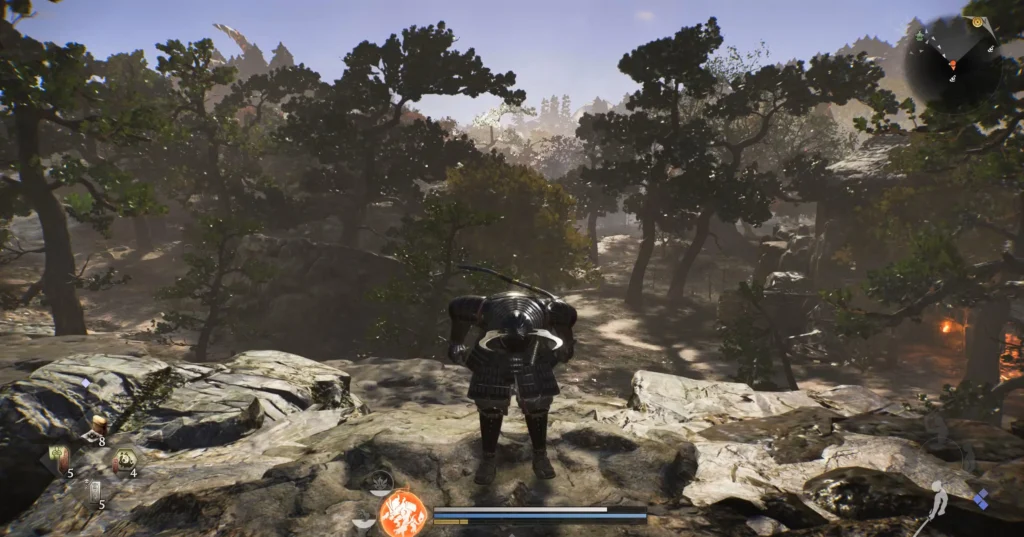
Nioh 3 Mimic Encounters – Using Gestures to Skip Fights
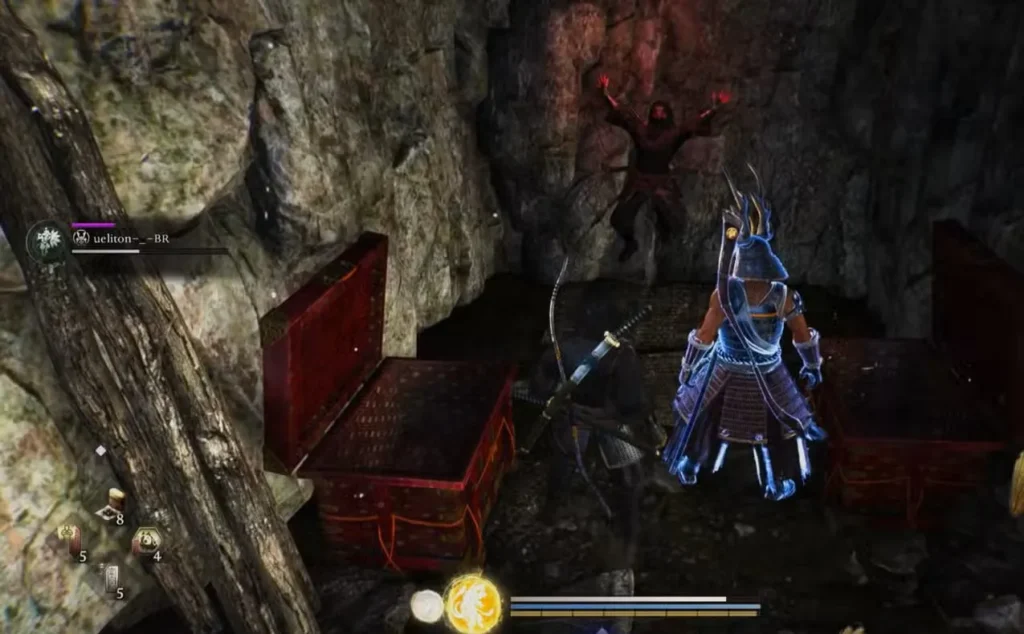
Gestures aren’t just for show in Nioh 3. Certain chests scattered throughout the game contain mimics that copy your appearance and perform a specific gesture when you open them. These encounters give you two options: fight the mimic or match its gesture.
Here’s how mimic encounters work:
Step 1: Open a suspicious chest (mimics appear in fixed locations)
Step 2: The mimic spawns and performs a gesture while looking directly at you
Step 3: You have a brief window to open your emote wheel and perform the exact same gesture back
Step 4: If you match the gesture correctly, the mimic disappears peacefully and drops loot. If you take too long or pick the wrong gesture, the mimic attacks.
The timing window is generous but not infinite. The mimic will wait several seconds for you to respond, but hesitate too long and it loses patience and starts swinging. If combat begins, you can still defeat it normally using any combat style and weapon loadout.
Nioh 3 How to Unlock New Gestures
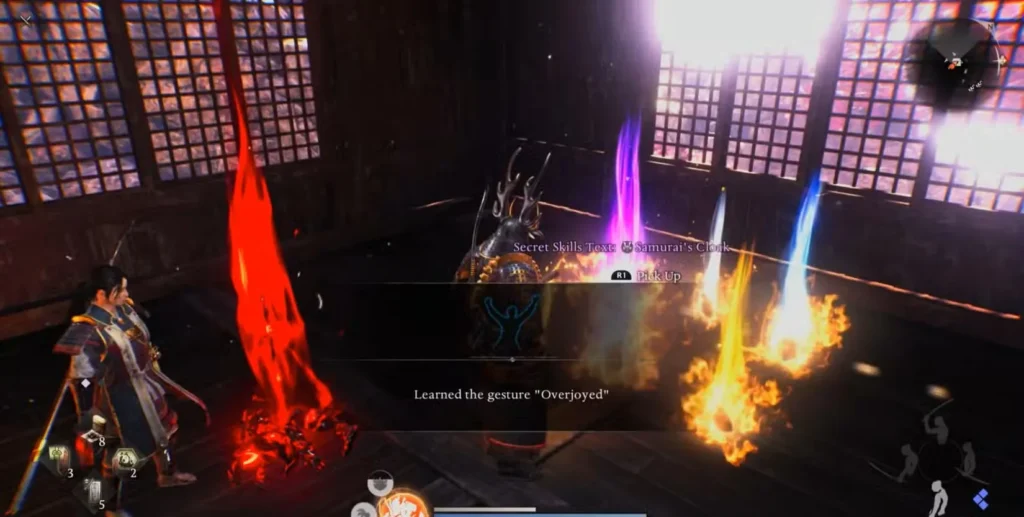
Mimic chests serve as the primary source of new gestures. Each mimic encounter has a chance to reward you with a new emote added to your collection. The gesture the mimic performs might be one you already have, or it could be a brand new one you’ve never seen before.
Mimic Loot Rewards:
- Equipment and weapons (guaranteed)
- Crafting materials (common)
- New gestures (random chance)
- Amrita (guaranteed)
Not every mimic drops a gesture, but fighting or appeasing enough mimics eventually fills out your collection. Some players prefer fighting mimics for the combat experience and guaranteed loot, while others enjoy the puzzle element of matching gestures. Either approach works fine. If you’re focused on leveling up quickly, fighting mimics provides decent Amrita returns.
The gesture system also ties into finding specific items and secrets. Certain NPCs respond to particular gestures, and some environmental interactions require performing the correct emote at the right location. Pay attention to environmental clues and NPC dialogue for hints about when gestures might unlock hidden content.
Nioh 3 Best Emotes for Multiplayer
While all gestures work identically from a mechanical standpoint, some have become community favorites for specific situations:
Victory Celebrations: Use flashy or triumphant gestures after downing tough bosses with co-op partners. The satisfaction of synchronized victory poses never gets old.
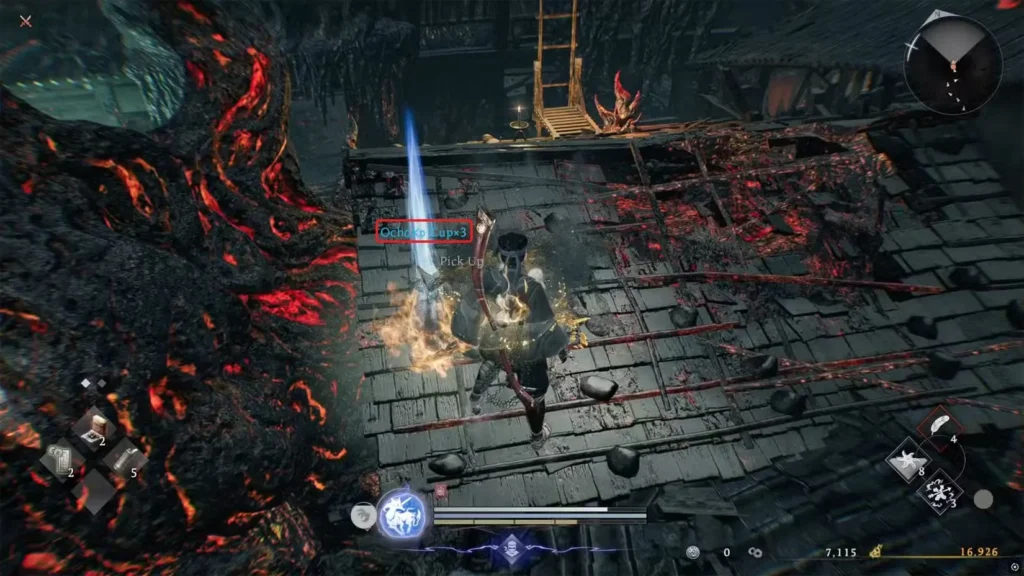
Greeting Summons: When you summon help using an Ochoko Cup or join another player’s world, a quick bow or wave gesture establishes friendly intent.
Warning Signals: Some players use specific gestures to signal danger ahead or indicate hidden items nearby. This informal communication system develops naturally in the community.
Thank You Messages: After receiving help defeating a difficult section, thank your co-op partner with an appropriate gesture before they return to their world.
The social aspect of gestures adds personality to multiplayer encounters that would otherwise feel purely transactional. Even if you primarily play solo, collecting gestures gives you options for when you do engage with Nioh 3’s online features.
Nioh 3 Gesture Tips and Tricks
Don’t rush mimic encounters: When a mimic appears, resist the urge to immediately attack. Watch carefully for the gesture it performs, then calmly open your emote wheel to match it. Panic leads to wrong gesture selections.
Organize your gesture wheel: As your collection grows, consider which emotes you use most frequently and ensure they’re easily accessible on your primary gesture tab. You can’t rearrange gestures, but knowing which tab contains specific emotes saves time.
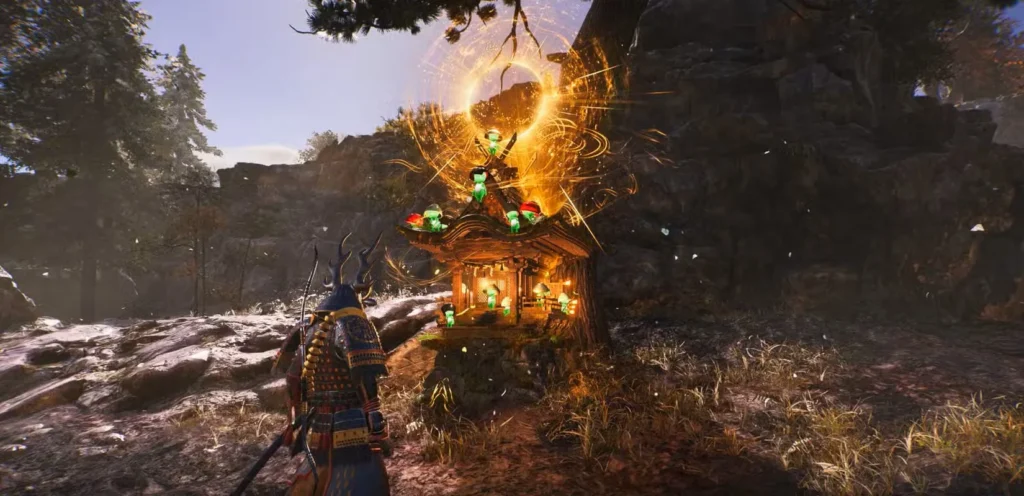
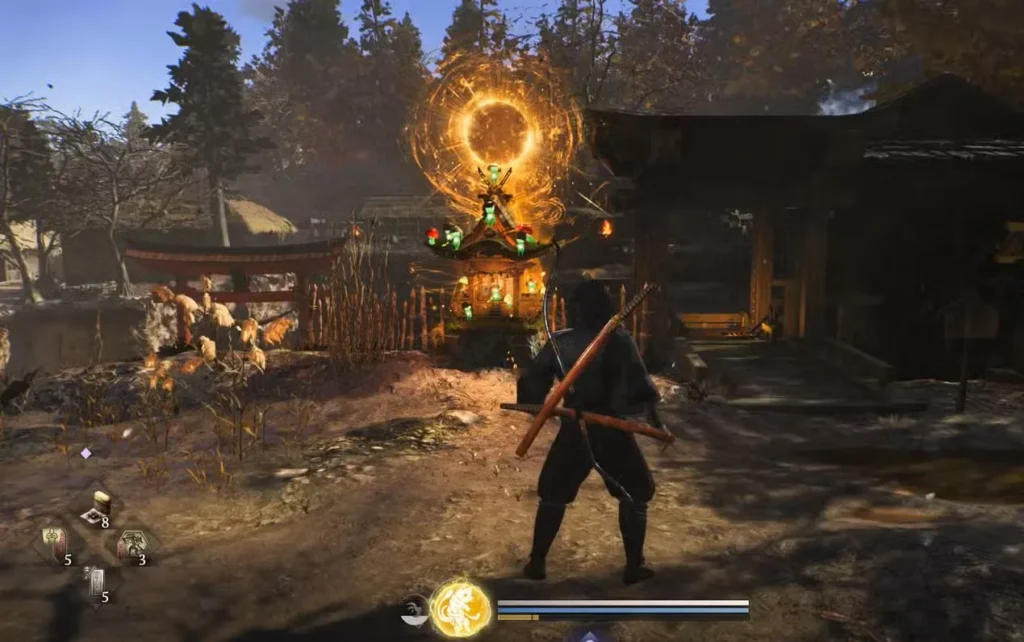
Practice gesture inputs: If you keep fumbling the button combination for opening the emote wheel, spend a minute at a safe shrine practicing the input until it becomes muscle memory. This prevents awkward moments during mimic encounters or multiplayer sessions.
Watch for visual cues: Mimic chests sometimes look slightly different from normal chests. Learn to recognize these tells so you’re mentally prepared for a potential gesture challenge when opening suspicious containers.
Gestures don’t consume resources: Unlike consumable items, you can spam gestures freely without worrying about running out. Use them liberally for fun or communication. For other useful items, check our guide on Samurai and Ninja Locks.
Official Nioh 3 Resources
For the latest updates and official information about Nioh 3, visit these resources:
Frequently Asked Questions
Can you emote during combat in Nioh 3?
Yes, but it’s risky. You can open the gesture wheel and perform emotes at any time, even during active combat. However, you’re completely vulnerable while the gesture animation plays, so enemies will happily punish you for showing off. Save emotes for safe moments or when you’ve created enough distance from threats.
What happens if I choose the wrong gesture for a mimic?
The mimic immediately becomes hostile and attacks you normally. You haven’t failed the encounter permanently—just defeat the mimic in combat to receive the standard loot drops. You miss out on the peaceful resolution bonus, but you still get rewards either way.
Do I need specific gestures to progress in Nioh 3?
No main story missions require specific gestures to progress. However, some optional content, side quests, or secret areas may involve gesture-based interactions. Missing a few gestures won’t block you from completing the game, but collecting them all may reveal additional content.
How many gestures are in Nioh 3?
The exact number varies, but Nioh 3 features several dozen gestures available through various methods including mimic encounters, mission rewards, and special events. Completionists can spend considerable time hunting down every gesture in the game, though most players naturally accumulate a solid collection through normal gameplay.