TL;DR
- The Pokémon Pokopia file size is 10GB on Nintendo Switch 2
- It is exclusively available on Nintendo Switch 2 (Switch 1 players can use GameShare)
- Preloading went live on February 26, 2026, ahead of the March 5 release
- You need a Nintendo Account and an internet connection to preload or install
- A microSD Express card (sold separately) may be required if your internal storage is low
- Pokopia costs $69 on the Nintendo eShop
Pokémon Pokopia File Size Explained
The Pokémon Pokopia file size is 10GB on Nintendo Switch 2. This figure is confirmed by Nintendo’s eShop listing for the game, as well as independent file size roundups across multiple platforms. The Nintendo Switch 2 ships with 256GB of internal storage, so 10GB represents a small fraction of that space — you should have no trouble fitting Pokopia alongside your existing library.
For context, this is impressively compact for a major first-party launch title. Other Switch 2 games like Planet of Lana 2: Nintendo Switch 2 Edition take up 29.2GB by comparison. Even Animal Crossing: New Horizons on Switch 2 clocks in at around 10.2GB — making Pokopia’s footprint right in line with Nintendo’s own life-sim tradition.
Official game page: Pokémon Pokopia on Nintendo.com
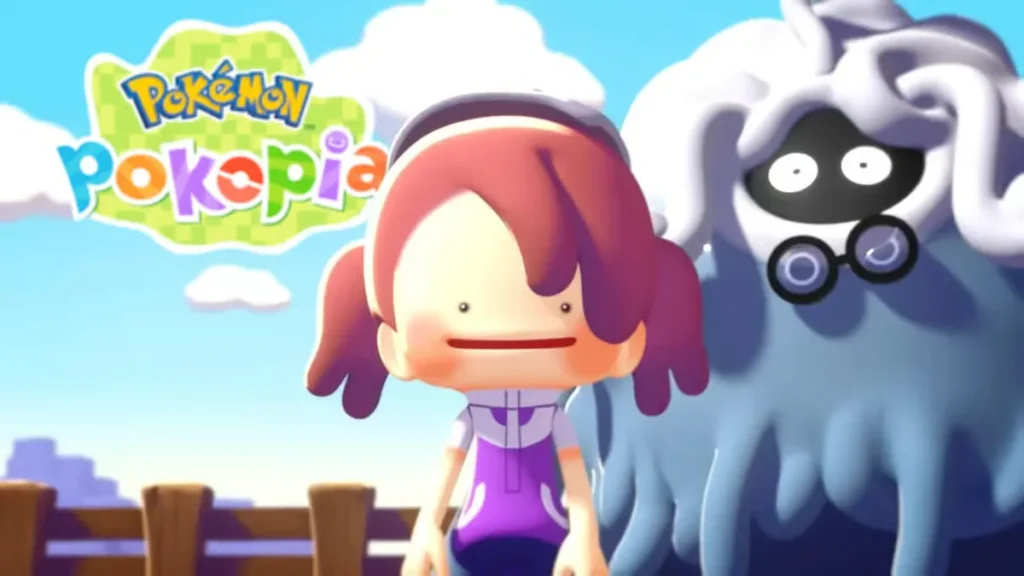
How to Preload Pokémon Pokopia
If you’ve already purchased Pokopia digitally, you can preload the game to be ready the moment it goes live. Preloading began on February 26, 2026. Here’s how to do it:
- Turn on your Nintendo Switch 2 and make sure it’s connected to the internet.
- Sign in to your Nintendo Account.
- Open the Nintendo eShop and search for Pokémon Pokopia, or go directly to Pokopia on the eShop.
- Purchase the game for $69 if you haven’t already.
- The game will appear on your Home screen and begin downloading automatically.
- If the download doesn’t start on its own, highlight the game icon and press to begin the preload.
Once downloaded, the game will be locked until a small update is pushed around the official launch time on March 5, 2026 (9 PM PT / 12 AM ET).
Note: If your Switch 2 storage is running low, you may need a microSD Express card (sold separately). Nintendo Switch 2 does not support standard microSD cards.
What Is Pokémon Pokopia?
Pokémon Pokopia is a life simulation and crafting game for Nintendo Switch 2, co-developed by Game Freak and Koei Tecmo’s Omega Force (the team behind Dragon Quest Builders 2). You play as a Ditto transformed into a human, tasked with rebuilding a desolate world to attract Pokémon back to a thriving community.
The gameplay loop involves crafting furniture, growing crops, building homes, and learning new abilities by befriending Pokémon. For example, meeting Squirtle teaches you how to water plants; encountering Scyther lets you cut down trees. It supports online co-op and local wireless play for up to 4 players.
Critically, Pokopia has been exceptionally well-received — it became the first Pokémon game to score a 90 on Metacritic, and is widely regarded as one of the best entries in the franchise in years.
Explore the full Pokopia experience at the official Pokopia website.
Frequently Asked Questions
What is the Pokémon Pokopia file size?
Pokémon Pokopia requires approximately 10GB of storage on Nintendo Switch 2, as listed on the Nintendo eShop.
Can I play Pokémon Pokopia on Nintendo Switch 1?
Pokopia is a Nintendo Switch 2 exclusive. However, Switch 1 users can join a session via GameShare if a Switch 2 player hosts the game locally or via GameChat.
Do I need a microSD card to install Pokémon Pokopia?
Not necessarily — the Switch 2 has 256GB of internal storage, and Pokopia only needs 10GB. However, if your storage is already full, a microSD Express card (sold separately) may be required.
How do I preload Pokémon Pokopia?
Purchase the game digitally via the Nintendo eShop, then it will automatically begin downloading to your Switch 2. Preloads became available on February 26, 2026.
Does Pokémon Pokopia require a Nintendo Switch Online membership?
Online multiplayer requires a Nintendo Switch Online membership. However, you do not need one just to download or install the game — only an internet connection and a Nintendo Account are needed.