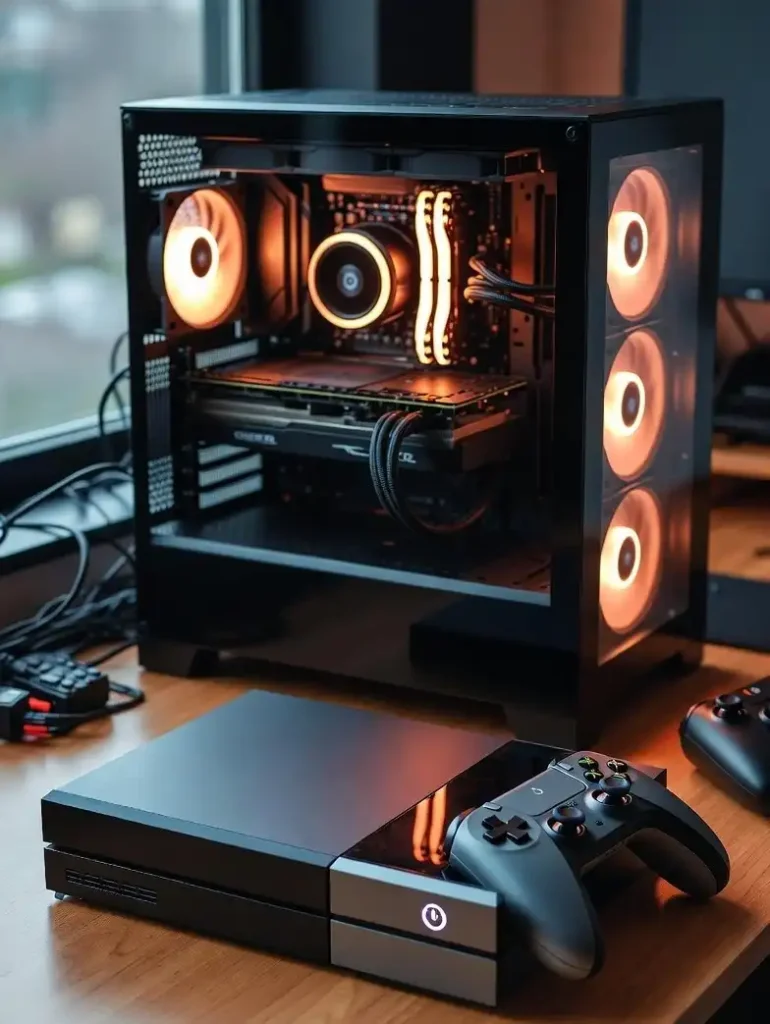
Let’s be honest — building a gaming PC in 2026 is harder than it should be. GPU prices have surged well above MSRP due to an AI-driven DRAM shortage, RAM costs are climbing, and SSDs that were dirt cheap two years ago now cost noticeably more. In more sane times, the components in a strong $1,500 build would cost closer to $1,200 — but with prices going up seemingly everywhere, there is no way around the unfortunate reality of the situation.
The good news? $1,500 is still a genuinely powerful gaming budget in 2026. Build smart, and you get a rig that handles virtually every modern game at 1440p with high settings, dominates 1080p competitive play, and has a clear upgrade path for years ahead.
This guide covers the best DIY builds AND the best prebuilt options — with real 2026 prices, honest benchmark data, and zero fluff.
What to Expect From a $1,500 Gaming PC in 2026
Before diving into builds, here is exactly what your money buys you:
| Target | What $1,500 Delivers |
|---|---|
| Resolution | Excellent 1440p, capable 4K with DLSS |
| Frame Rate (1440p) | 90–165 FPS in AAA titles; 200+ FPS in esports |
| Frame Rate (4K) | 60–80 FPS native; 100–120 FPS with DLSS 4 |
| Ray Tracing | Solid at 1440p medium; limited at 4K |
| Future-Proofing | Highly competitive through 2028–2029 |
| Streaming/Creation | Capable for 1080p streaming; solid content work |
⚠️ 2026 Reality Check: AMD’s AM5 platform remains the go-to for most users, and smart component choices keep cost from ballooning out of control. This budget will play essentially any game at 1440p and dominate at 1080p.
The GPU Situation in 2026: What You Need to Know First
The GPU you choose defines your entire build. Here is where the market stands right now:
| GPU | MSRP | Real 2026 Price | Best For |
|---|---|---|---|
| RTX 5060 (8GB) | $299 | ~$340–$360 | 1080p gaming |
| RTX 5060 Ti (16GB) | ~$400 | ~$460–$490 | 1080p–1440p |
| RTX 5070 (12GB) | $549 | ~$620–$649 | 1440p sweet spot |
| RX 9070 (16GB) | ~$549 | ~$550–$600 | 1440p (strong AMD alt.) |
| RTX 5070 Ti (16GB) | $749 | ~$1,000+ | Above $1,500 budget |
The verdict for this budget: The RTX 5070 is the headline GPU for a $1,500 build. The RTX 5070 averages 90–130 FPS at 1440p high settings in most AAA games, and in competitive titles like Fortnite and Apex Legends, expect 140–200+ FPS. The AMD RX 9070 is also worth considering — it offers 16GB VRAM vs the 5070’s 12GB, which is increasingly important in 2026.
💡 VRAM Warning: The RTX 5070’s 12GB VRAM buffer causes problems in some demanding titles with heavy ray tracing settings — choosing a card with 16GB offers better headroom for demanding 2026 titles. If VRAM capacity matters to you, the RX 9070 or RTX 5060 Ti 16GB deserve serious consideration.
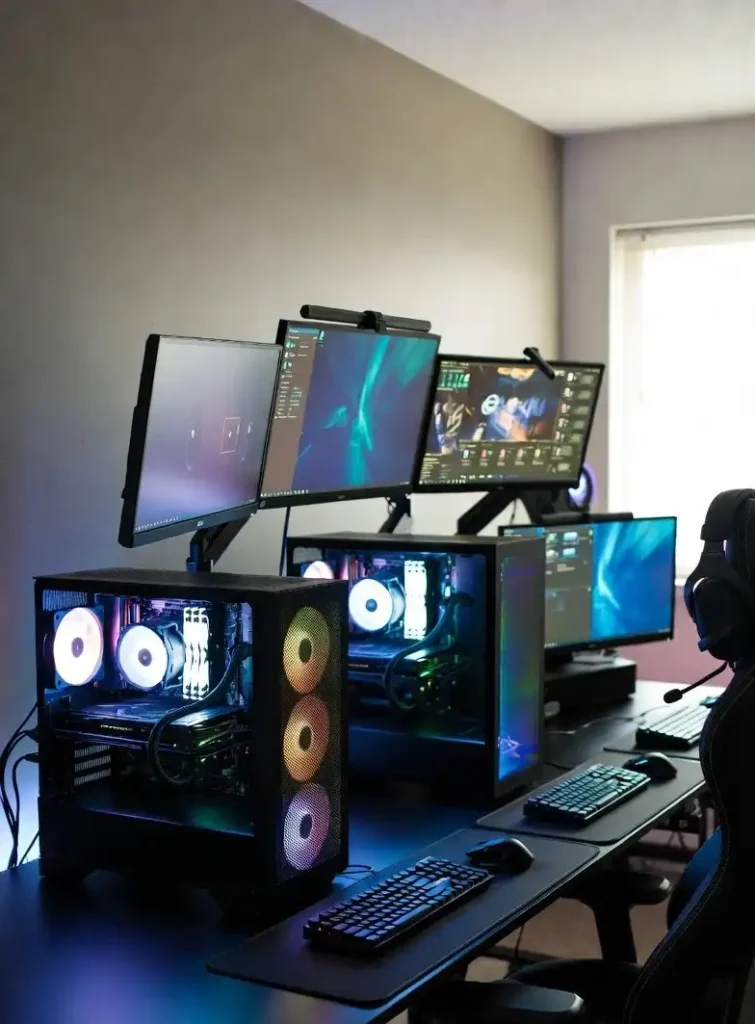
🏆 Best DIY Build Under $1,500: The 2026 1440p Powerhouse
Build Specs
| Component | Recommended Part | Approx. Price |
|---|---|---|
| CPU | AMD Ryzen 5 9600X | ~$210–$225 |
| GPU | NVIDIA RTX 5070 12GB (or RX 9070) | ~$620–$650 |
| Motherboard | MSI MAG B850 TOMAHAWK WIFI | ~$180–$200 |
| RAM | 32GB DDR5-6000 (2×16GB) | ~$110–$130 |
| Storage | 2TB PCIe Gen 4 NVMe SSD | ~$100–$130 |
| PSU | 850W 80+ Gold ATX 3.1 | ~$80–$110 |
| CPU Cooler | 240mm AIO or quality air cooler | ~$50–$80 |
| Case | Mid-tower ATX with good airflow | ~$60–$90 |
| OS | Windows 11 Home | ~$30–$100 |
| Total | ~$1,440–$1,515 |
Why These Components?
AMD Ryzen 5 9600X — The 9600X is the current-gen entry level for AMD’s AM5 platform, opening up future upgrade opportunities — perhaps to a used 9800X3D in a few years. We’d like it to be less expensive than its current ~$214, but it’s far from the biggest price concern today.
RTX 5070 12GB — The GeForce RTX 5070 is an excellent GPU for 1440p gaming, where DLSS 4 adds an extra layer of performance while also improving image fidelity in titles that support the new AI transformer model. With a 63 FPS average that increases to 84 FPS factoring in DLSS Quality upscaling, it can also be used for 4K gaming.
32GB DDR5-6000 — 32GB is the new standard for high-end builds in 2026. DDR5-6000 hits the performance sweet spot on AMD systems using EXPO profiles, delivering high bandwidth and low latency.
AM5 Platform — Future upgrade path to the Ryzen 7 9800X3D (the best gaming CPU available) without replacing the motherboard.
2TB NVMe SSD — Modern AAA games routinely exceed 80–100GB. 2TB gives you room for your full active library without constant juggling.
Performance You Can Expect
| Game | 1080p | 1440p | 4K (DLSS On) |
|---|---|---|---|
| Counter-Strike 2 | 300–370 FPS | 200–250 FPS | 100–120 FPS |
| Fortnite | 200–300 FPS | 150–200 FPS | 100–130 FPS |
| Cyberpunk 2077 (no RT) | 150–180 FPS | 90–115 FPS | 63–84 FPS |
| Call of Duty: Warzone | 160–200 FPS | 130–165 FPS | 80–100 FPS |
| Baldur’s Gate 3 | 160+ FPS | 120–140 FPS | 75–90 FPS |
| Hogwarts Legacy | 150+ FPS | 120–145 FPS | 70–85 FPS |
🔗 Plan and price this exact build — with automatic compatibility checking — at PCPartPicker.com. It is the single best free tool for first-time and experienced builders alike.
🔄 Alternative Build: AMD RX 9070 for More VRAM
If VRAM headroom matters to you more than DLSS 4, consider swapping the RTX 5070 for the AMD Radeon RX 9070:
| RTX 5070 (12GB) | RX 9070 (16GB) | |
|---|---|---|
| VRAM | 12GB GDDR7 | 16GB GDDR6 |
| 1440p Raster Perf. | Very Good | Slightly Better |
| Ray Tracing | Better (DLSS 4) | Good (FSR 4) |
| 4K Demanding Titles | Can struggle (12GB) | More comfortable |
| AI Features | DLSS 4 + MFG | FSR 4 |
| Price (~March 2026) | ~$620–$650 | ~$550–$600 |
| Verdict | Best if you use DLSS-enabled games | Best for pure raster + VRAM headroom |
For the same total build cost (~$1,450–$1,500), the RX 9070 build can actually come in slightly cheaper while offering more memory headroom for demanding 2026 titles.
💻 Best Prebuilt Gaming PCs Under $1,500 in 2026
Not everyone wants to build. If you want to skip the assembly and get gaming immediately, here are the best prebuilt options right now:
1. iBUYPOWER RDY Scale B04 — Best Budget Prebuilt (~$1,099)
- CPU: Intel Core i5-14400F
- GPU: NVIDIA GeForce RTX 5060
- RAM: 16GB DDR5
- Storage: 1TB SSD
- Best for: 1080p gaming at high settings; budget-conscious first-time PC gamers
The RDY Scale B04 features an Intel Core i5-14400F CPU and an NVIDIA GeForce RTX 5060 GPU with 16GB of DDR5 RAM, making it one of the most compelling budget gaming PCs under $1,500 — ideal for 1080p gaming at high settings and holding its own in many modern titles out of the box.
2. Skytech Rampage (RTX 5070) — Best Mid-Range Prebuilt (~$1,399–$1,499)
- CPU: AMD Ryzen 7 7700X
- GPU: NVIDIA GeForce RTX 5070
- RAM: 32GB DDR5
- Storage: 1TB NVMe SSD
- Best for: 1440p gaming with minimal setup; recommended by WePC as the top prebuilt option in this budget
The Skytech Rampage is powered by an AMD Ryzen 7 7700X CPU and the RTX 5070 GPU, which can run AAA games at high settings without breaking a sweat — though the GPU offers slightly less performance than a custom-built equivalent due to prebuilt component trade-offs.
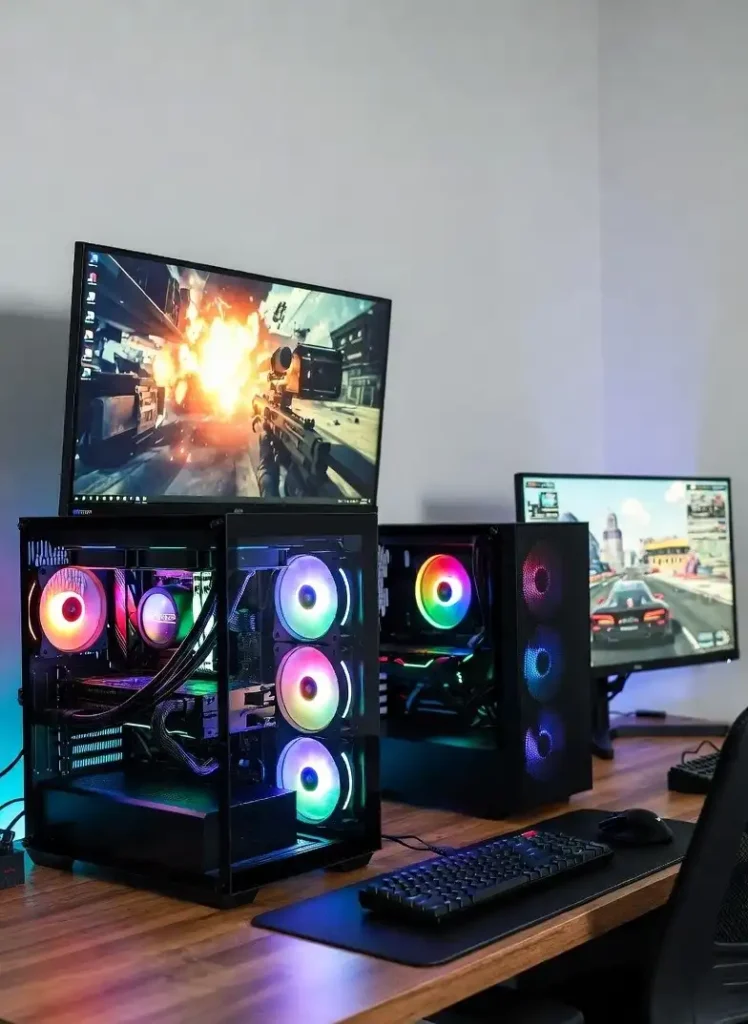
3. CyberPowerPC Gamer Xtreme (RTX 5070 + Ryzen 7 9800X3D) — Best Performance Prebuilt (~$1,499)
- CPU: AMD Ryzen 7 9800X3D
- GPU: NVIDIA GeForce RTX 5070 12GB
- RAM: 32GB DDR5-6000
- Storage: 2TB PCIe 4.0 SSD
- Best for: Maximum gaming performance at the $1,500 ceiling; the 9800X3D is the best gaming CPU available
Thanks to 3D V-Cache technology, the AMD Ryzen 7 9800X3D delivers unmatched gaming performance — in competitive titles at 1080p (CS2, Valorant, Warzone, Fortnite), it very often outperforms other high-end CPUs, and even at 1440p, it remains ultra-solid. Paired with an RTX 5070, this is the best gaming prebuilt you can find at $1,500 right now.
Prebuilt Comparison Table
| Model | GPU | CPU | RAM | Price | Best For |
|---|---|---|---|---|---|
| iBUYPOWER Scale B04 | RTX 5060 | i5-14400F | 16GB DDR5 | ~$1,099 | Budget 1080p |
| Skytech Rampage | RTX 5070 | Ryzen 7 7700X | 32GB DDR5 | ~$1,399 | 1440p ease of setup |
| CyberPowerPC Xtreme | RTX 5070 | Ryzen 7 9800X3D | 32GB DDR5 | ~$1,499 | Best 1440p at budget |
💡 Prebuilt vs DIY trade-off: Prebuilt PCs typically use the same-tier GPU but pair it with slightly older or lower-tier CPUs to hit the price point. If you are comfortable building, a DIY rig almost always gives you more performance per dollar — especially on the CPU side.
Should You Build or Buy Prebuilt in 2026?
| Factor | DIY Build | Prebuilt |
|---|---|---|
| Performance per dollar | ✅ Better | ❌ Slight overhead |
| Ease of setup | ❌ Requires assembly | ✅ Plug in and play |
| Warranty | ❌ Per-part warranties | ✅ Single system warranty |
| Customization | ✅ Full control | ❌ Limited options |
| Troubleshooting | ❌ You’re responsible | ✅ Support available |
| Time investment | ❌ Several hours | ✅ Minutes |
| Upgrade flexibility | ✅ Easier long-term | ⚠️ Depends on case/board |
Build DIY if: You want maximum value, enjoy tech, and have a few hours to spare. Buy prebuilt if: You want to start gaming today without any setup stress, or you’re buying as a gift.
5 Things to Avoid When Building a $1,500 PC in 2026
- ❌ Buying an RTX 5070 with only 8GB VRAM — The 12GB model is the minimum for this budget; 8GB causes issues in demanding titles
- ❌ Skimping on RAM speed — DDR5-4800 underperforms compared to DDR5-6000 on AMD platforms; always enable EXPO/XMP in BIOS
- ❌ Under-speccing the PSU — An 850W 80+ Gold is recommended for RTX 5070 builds; cheap PSUs risk instability
- ❌ Buying a 1TB SSD only — Modern games are enormous; a 2TB SSD is worth the extra $30–$50
- ❌ Overlooking the AMD RX 9070 — At near-identical prices, it offers 16GB VRAM vs the 5070’s 12GB and performs slightly better in non-DLSS titles
What Monitor Should You Pair With a $1,500 Build?
Your build targets 1440p/144+ FPS — your monitor should match:
| Monitor Type | Resolution | Refresh Rate | Price Range | Best For |
|---|---|---|---|---|
| Budget 1440p IPS | 2560×1440 | 144Hz | ~$200–$280 | Best value pairing |
| Mid-range 1440p | 2560×1440 | 165–180Hz | ~$280–$380 | Ideal sweet spot |
| 1440p OLED | 2560×1440 | 240Hz | ~$500–$700 | Premium experience |
| Ultrawide IPS | 3440×1440 | 144Hz | ~$350–$500 | Immersive gaming |
🔗 For expert monitor rankings and hands-on reviews, check Rtings.com Monitor Rankings — the gold standard for display testing.
Frequently Asked Questions (FAQs)
Is $1,500 a good budget for a gaming PC in 2026?
Yes — $1,500 is the sweet spot for a high-performance gaming PC in 2026. It puts an RTX 5070 within reach paired with a capable AMD Ryzen CPU on the AM5 platform, delivering excellent 1440p gaming with a solid upgrade path for years ahead.
What GPU should I buy for a $1,500 gaming PC in 2026?
The NVIDIA RTX 5070 (12GB) is the top choice for 1440p gaming with DLSS 4 support. The AMD RX 9070 (16GB) is an equally strong alternative — especially if you want more VRAM headroom for demanding titles without relying on DLSS. Both land in the $550–$650 range in 2026 market conditions.
Is the RTX 5070 good for 4K gaming?
The RTX 5070 can handle 4K gaming with DLSS Quality mode enabled, averaging 63–84 FPS in demanding titles like Cyberpunk 2077. For native 4K at consistently high frame rates, you need an RTX 5080 or higher. Think of the RTX 5070 as a 1440p primary, 4K-capable-with-DLSS card.
Should I choose Intel or AMD CPU for a $1,500 gaming build in 2026?
AMD is the stronger choice in 2026. The AM5 platform offers a clear upgrade path to the Ryzen 7 9800X3D — currently the world’s best gaming CPU — without replacing your motherboard. The Ryzen 5 9600X delivers excellent gaming performance at a lower cost, while leaving your upgrade options fully open.
Is it worth building a PC instead of buying a PS5 Pro at this budget?
For $1,500, a well-built gaming PC offers better long-term value — cheaper games, upgrade flexibility, and a machine that also handles work. However, the PS5 Pro at $750 delivers remarkable gaming performance for half the price with zero setup. If you mainly play AAA story games and Sony exclusives, the PS5 Pro is the smarter immediate buy.
How long will a $1,500 gaming PC last in 2026?
With the RTX 5070 and AMD Ryzen 5 9600X, expect strong performance through 2028–2029 at 1440p. A GPU upgrade around 2028–2029 (to whatever mid-range card is available then) can extend the platform’s life significantly with no other changes needed.
Is the RX 9070 or RTX 5070 better for a $1,500 build?
Both are excellent. Choose the RTX 5070 if you play DLSS-supported games and want NVIDIA’s frame generation tech. Choose the RX 9070 if you want more VRAM (16GB vs 12GB), slightly better native raster performance, and are fine with AMD’s FSR 4 upscaling instead of DLSS
Do I need Windows 11 for a gaming PC in 2026?
Windows 11 is strongly recommended. Most modern games and NVIDIA/AMD drivers are optimized for Windows 11, and support for Windows 10 ends in October 2025. Windows 11 Home is included with most prebuilts and available for ~$30–$100 for DIY builds.
Final Verdict: Best Gaming PC Under $1,500 in 2026
Despite 2026’s challenging GPU pricing environment, $1,500 remains a genuinely powerful gaming budget — enough for an RTX 5070-powered 1440p machine that will stay competitive for years.
- Best DIY build: Ryzen 5 9600X + RTX 5070 + 32GB DDR5-6000 + 2TB SSD on AM5 (~$1,480)
- Best prebuilt: CyberPowerPC with Ryzen 7 9800X3D + RTX 5070 (~$1,499)
- Best VRAM value: Swap the RTX 5070 for RX 9070 to get 16GB VRAM at similar cost
- Best budget prebuilt: iBUYPOWER Scale B04 at ~$1,099 for capable 1080p gaming
Whatever route you take, build smart: prioritize the GPU and CPU, don’t skimp on RAM speed, and always go 2TB storage minimum in 2026.
Also check: High-Tech Console vs Gaming PC: Which Gives Better Value in 2026?