If you’re trying to figure out how to claim your demo and preorder items in Nioh 3, you’re not alone. The game hands out some genuinely useful bonus gear depending on which edition you bought or whether you played the demo — but it never really tells you where to go get it. No pop-up, no tutorial prompt, nothing. You just have to know the process.
The good news is it’s straightforward once you know what to look for. This guide walks you through exactly what to do, what you’ll receive, and a few things to double-check if items aren’t showing up.
Before You Can Claim Your Demo and Preorder Items in Nioh 3, Do This First
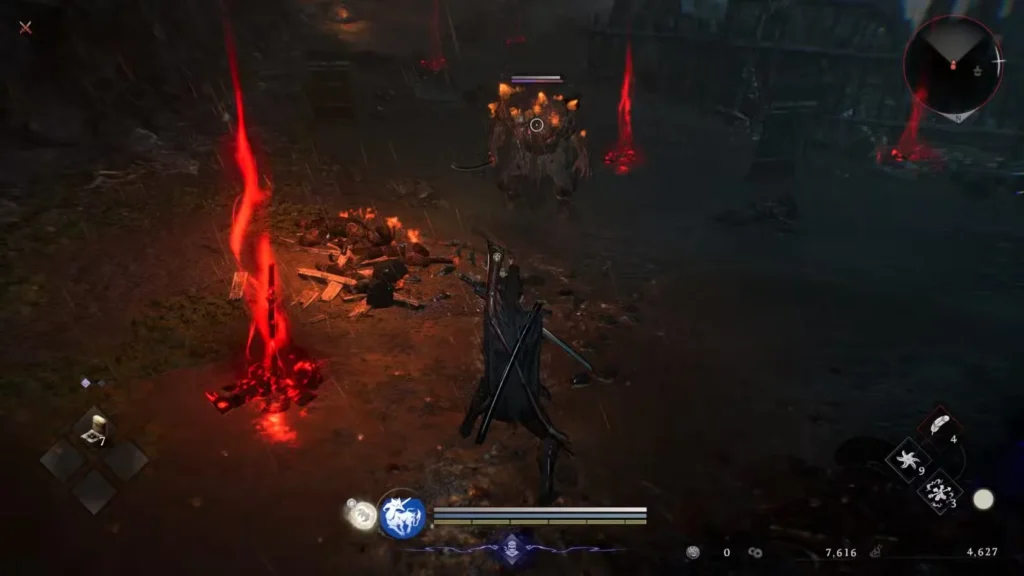
You can’t jump straight into claiming your bonuses from the title screen. First, you’ll need to push through the opening section of the game. This stretch introduces you to the core mechanics, the combat system, and the early story beats — it’s the game’s way of getting you up to speed before opening everything up.
If you already played the Nioh 3 demo before picking up the full game, your progress transfers over automatically. You won’t have to replay the opening section — the game picks up right where you left off.
How to Claim Your Demo and Preorder Items in Nioh 3 — Step by Step
Once you’ve made it past the opening areas, the process to claim your demo and preorder items in Nioh 3 comes down to three steps:
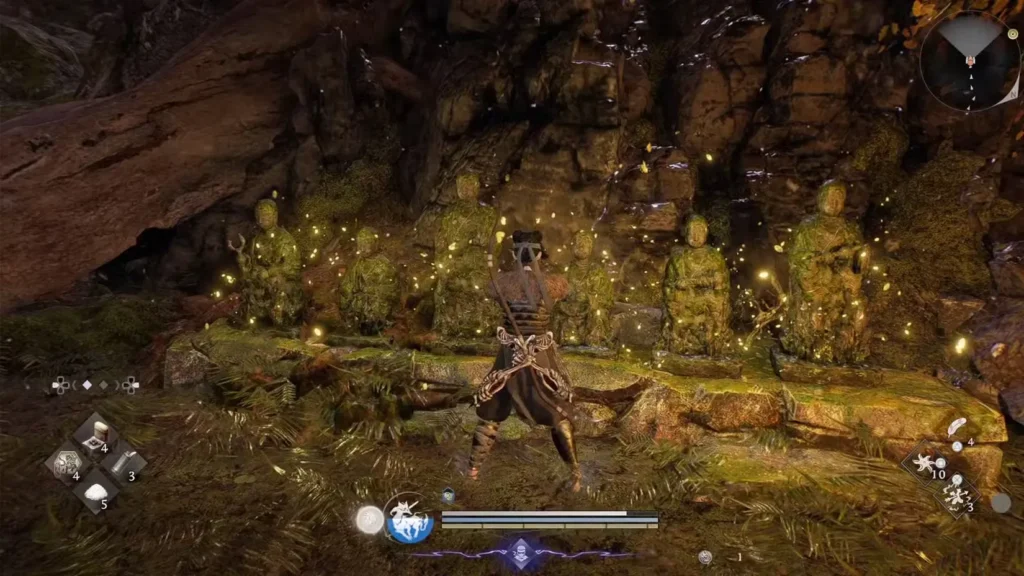
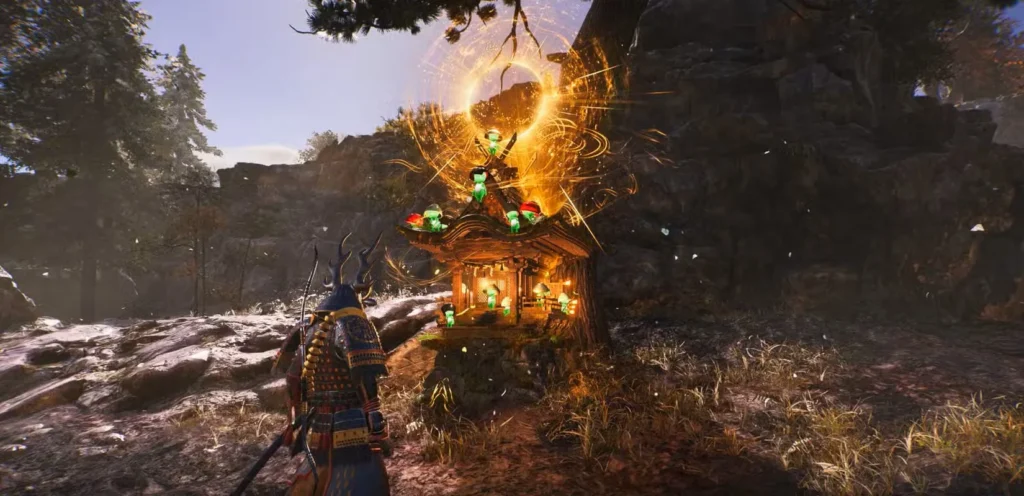
1. Find a Shrine with full menu options Not every Shrine in the early game gives you access to all features. The very first Shrines are stripped back — you can only “Pray” at them, which resets enemies and refills your Elixir. You need to reach a Shrine that has multiple tabs available before any of this works.
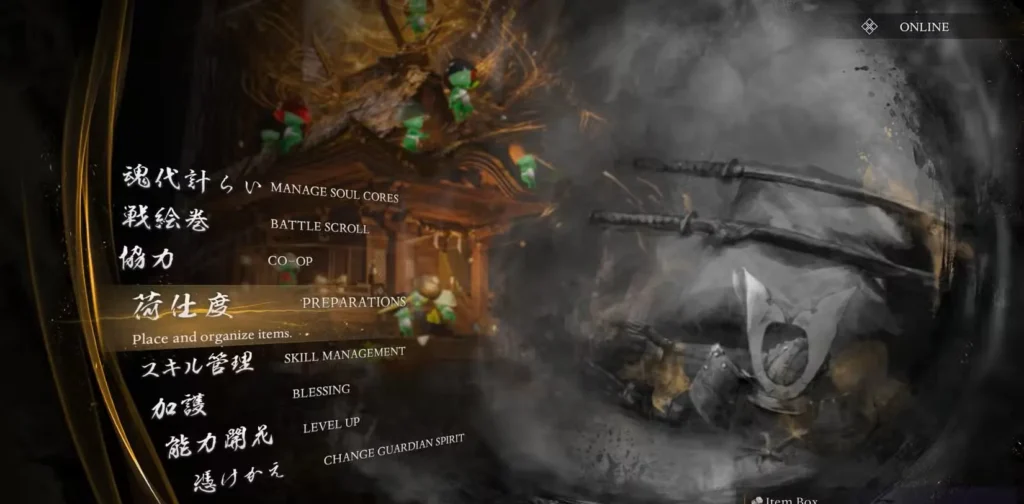
2. Open the Preparations tab Once you’re at a fully unlocked Shrine, interact with it and navigate to the Preparations tab in the menu.
3. Select Boons Inside Preparations, select Boons. The game will take a moment to load, then deposit every eligible bonus item directly into your inventory based on your purchase type.
One thing to keep in mind: You need an active internet connection for this to work. Whether you’re on PlayStation or Steam, the game has to connect and verify your account before it can hand over the items. No connection, no items.
Every Bonus Item You Can Claim in Nioh 3
What you actually receive when you hit that Boons menu depends entirely on which version of the game you have and whether you completed the demo. Here’s the full breakdown:
Demo Completion Reward
If you finished the Nioh 3 demo, you earn one exclusive item in the full game:
- Twin-Snake Helmet
This transfers automatically as long as you’re on the same platform and account you used for the demo. No extra steps needed.
Nioh 3 Preorder Bonus Items
Players who preordered Nioh 3 receive a solid set of early armor that’s actually worth using:
- Hellfrost Warrior Armor Set
- Hellfrost Ninja Attire Set
- Youngblood Armor
- Lone Wolf’s Armor
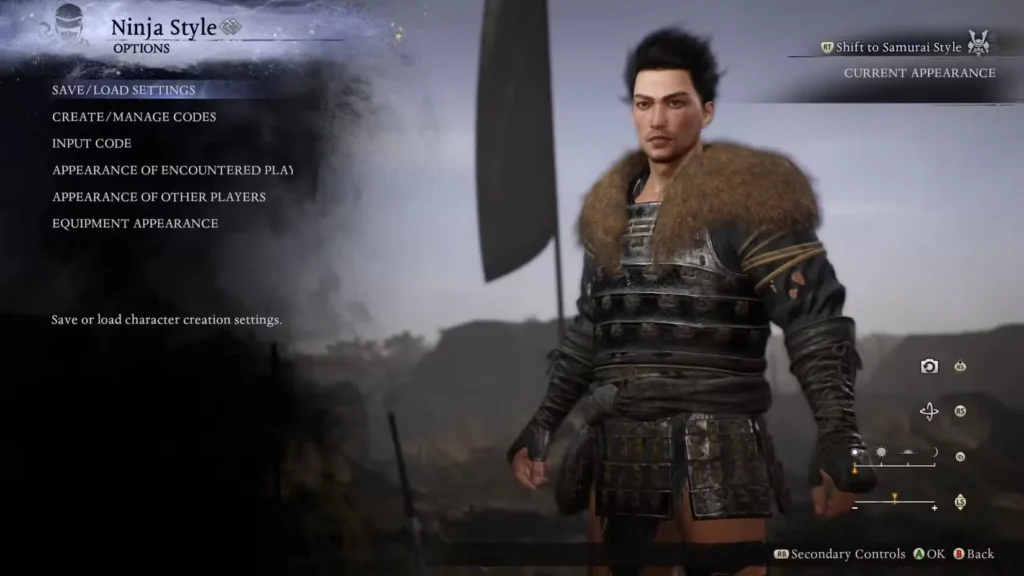
The Hellfrost Equipment Set is the highlight here — it gives you two complete armor sets, one for Samurai and one for Ninja playstyles, right from the start of the game.
Nioh 3 Deluxe Edition Items
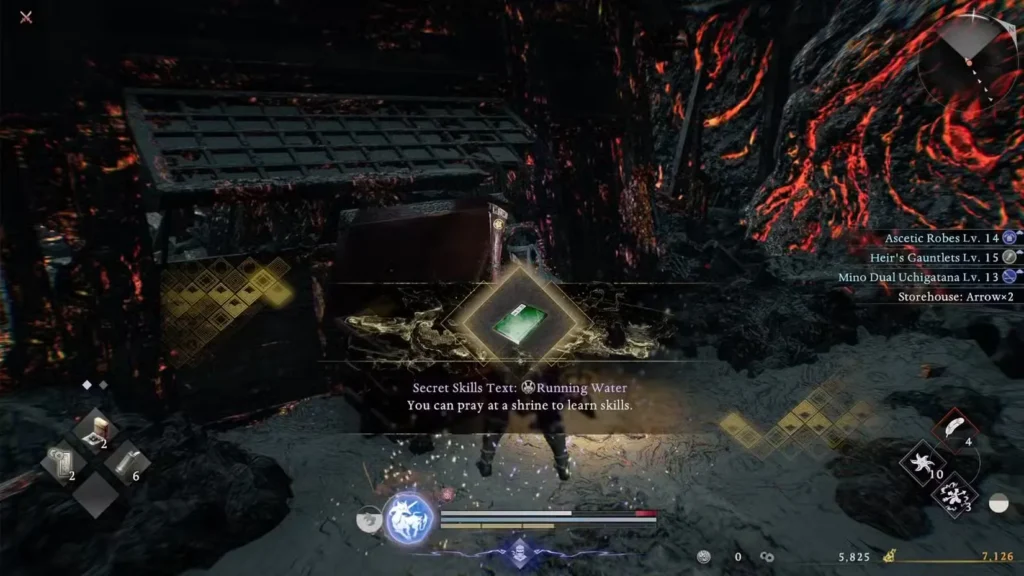
The Deluxe Edition delivers the biggest haul by far. You receive charms, a full roster of Infernal weapons across both playstyles, and the Smithing Texts to forge every single one of them again later:
Charms:
- Chijiko Netsuke Charm — Samurai & Ninja versions
- Kodama Netsuke Charm — Samurai & Ninja versions
Infernal Weapons — Samurai:
- Infernal Katana
- Infernal Dual Katana
- Infernal Axe
- Infernal Spear
- Infernal Switchglaive
- Infernal Cestuses
- Infernal Odachi
Infernal Weapons — Ninja:
- Infernal Ninja Sword
- Infernal Dual Ninja Swords
- Infernal Talons
- Infernal Splitstaff
- Infernal Tonfa
- Infernal Kusarigama
- Infernal Hatchets
Smithing Texts for every Infernal weapon listed above are also included, so you can craft more down the line.
Quick Reference: All Nioh 3 Bonus Items by Edition
| Bonus Type | Requirement | Items Included |
|---|---|---|
| Demo Reward | Complete the Nioh 3 demo | Twin-Snake Helmet |
| Preorder Bonus | Preordered any edition | Hellfrost Equipment Set, Youngblood Armor, Lone Wolf’s Armor |
| Deluxe Edition | Purchased Deluxe Edition | Charms, 14 Infernal Weapons + all Smithing Texts |
How to claim: Shrine → Preparations → Boons (internet connection required)
Items Still Not Showing Up? Check These Things
If you’ve followed the steps but your demo and preorder items in Nioh 3 aren’t appearing, run through this checklist:
- Make sure your bonus content is downloaded. On PS5, go to Manage Game and Add-ons and confirm the bonus packs are installed. On Steam, check the game’s Properties and make sure the DLC boxes are ticked. Items won’t appear in Boons until the content is actually downloaded on your system.
- Confirm you’re online. The game needs an internet connection to verify your bonuses. Check that your connection is active before visiting a Shrine.
- Check you’re on the right account. Your bonuses are tied to the platform account used for the purchase or demo. Logging in on a different account won’t pull through the items.
- Try restarting the game. If everything looks right but items still aren’t showing, a full restart and another visit to Boons usually clears it up.
FAQs: Claiming Demo and Preorder Items in Nioh 3
When exactly can I claim my demo and preorder items in Nioh 3?
You can claim them as soon as you reach a Shrine with full menu functionality, which happens after pushing through the game’s opening section. Early Shrines are limited to Pray only, so you do need to progress a bit first before the Preparations tab becomes available.
Does my Nioh 3 demo progress carry over into the full game?
Yes. If you played the demo and then purchased the full game on the same platform and account, your progress transfers automatically. You won’t have to replay the opening areas again, and your demo reward — the Twin-Snake Helmet — will be waiting for you in Boons.
Do I need to be online to claim preorder and Deluxe Edition items in Nioh 3?
Yes, an internet connection is required. The game needs to verify your purchase data through PlayStation Network or Steam before it can add any bonus items to your inventory.
I preordered Nioh 3 but my bonus items aren’t in Boons — what should I do?
First, check that your bonus content packs are actually downloaded and installed on your system. On PS5 this is under Manage Game and Add-ons; on Steam it’s under the game’s Properties in your library. The items only show up in Boons once the content is installed and your account is online.