Looking good while cutting down yokai matters, even if stats are what keep you alive. The good news? You’re not locked into your initial character creation choices. Nioh 3 lets you completely redesign your character and swap equipment appearances whenever you want, all from one convenient location.
This guide covers everything you need to know about modifying your character’s looks and transmogging gear to match your style.
Unlocking the Eternal Rift in Nioh 3
Before you can adjust anything appearance-related, you’ll need access to the Eternal Rift. This serves as your hub area—a timeless sanctuary where you’ll reconnect with familiar faces from your journey and gain access to essential services.
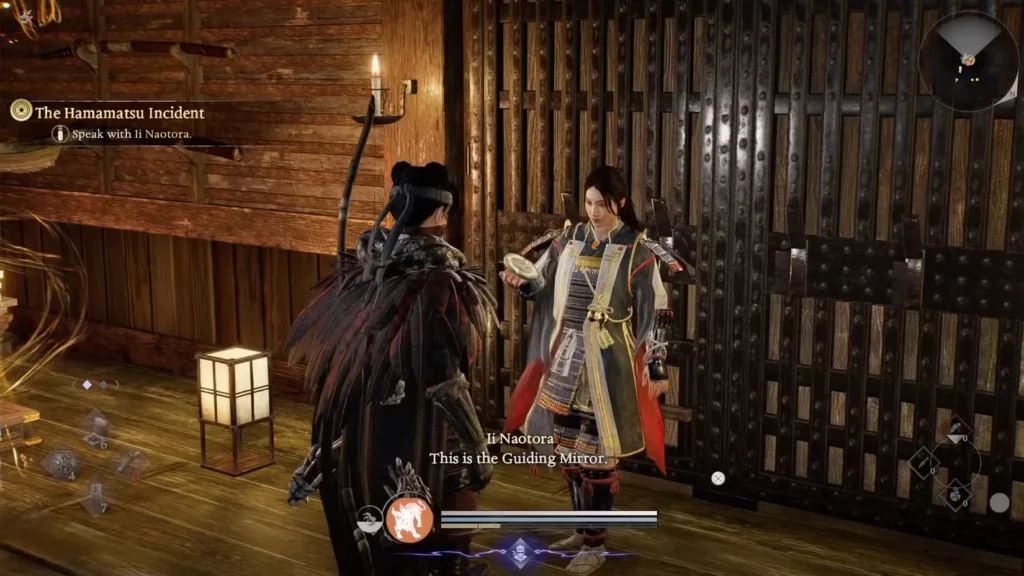
You’ll unlock the Eternal Rift naturally during The Hamamatsu Incident main quest. At a certain point, Ii Naotora hands you a mirror. Your character uses it right away, which teleports you straight to the Eternal Rift for the first time.
Once there, take a moment to explore. You’ll find a Blacksmith for crafting and upgrading gear, along with various NPCs who offer quests accessible through the Battle Scroll at any Shrine. The Eternal Rift becomes your go-to spot for managing builds and cosmetics between missions.
The mirror you need is on the second floor of the northern building. Head up the stairs, walk past the NPC standing around, and enter the single room available on that floor. The mirror inside handles both character redesigns and equipment transmogging.
For more details on enhancing your build, check out our guide on how to get and use Yokai Soul Cores in Nioh 3.
How to Change Appearance in Nioh 3: Character Customization Options
Interacting with the Eternal Rift mirror brings up two options. Select Change Appearance to access the full character editor.
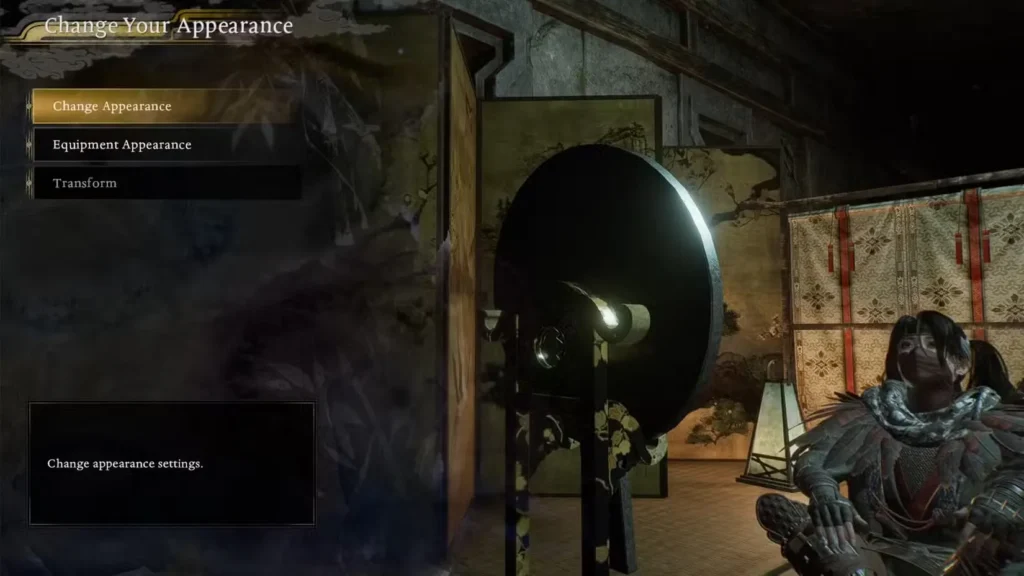
Here’s what you can modify:
- Face structure and features – Adjust everything from jaw shape to eye spacing
- Hairstyles and colors – Cycle through available options or create custom shades
- Body type and proportions – Tweak height, build, and other physical attributes
- Skin tones and makeup – Fine-tune complexion and add cosmetic details
- Facial hair options – Add or remove beards, mustaches, and sideburns
- Scars and markings – Include battle damage or unique identifiers
- Voice selection – Change how your character sounds in combat
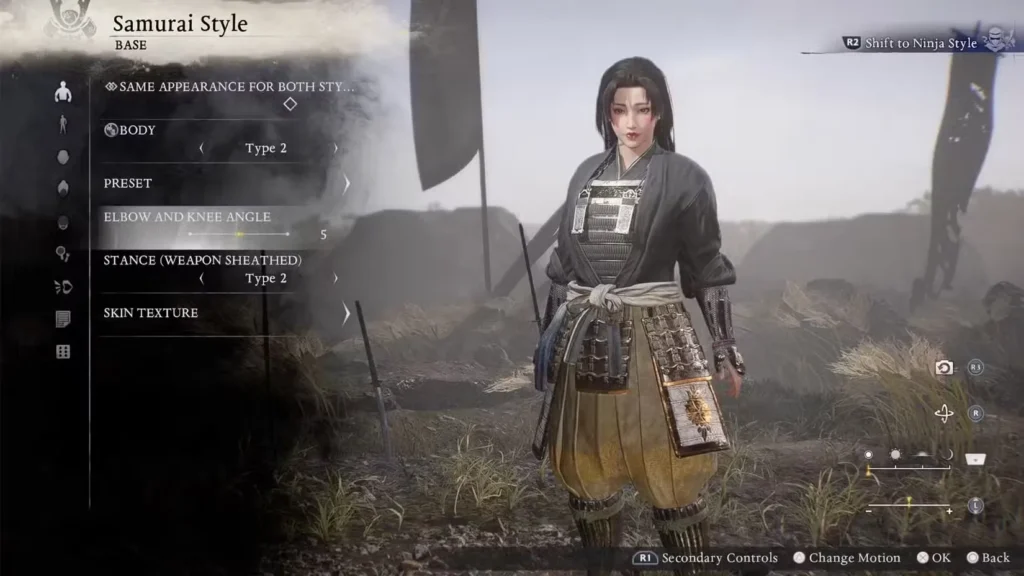
All seven customization sections from initial character creation are available. You can make minor adjustments or rebuild your character from scratch—the choice is yours.
There’s also an option to input character codes created by other players. If you’ve seen a design you like shared online, grab the code and recreate that exact look instantly. This saves time if you’re not into detailed customization but still want something fresh.
How to Transmog Equipment in Nioh 3: Weapons, Armor & Ninja/Samurai Styles
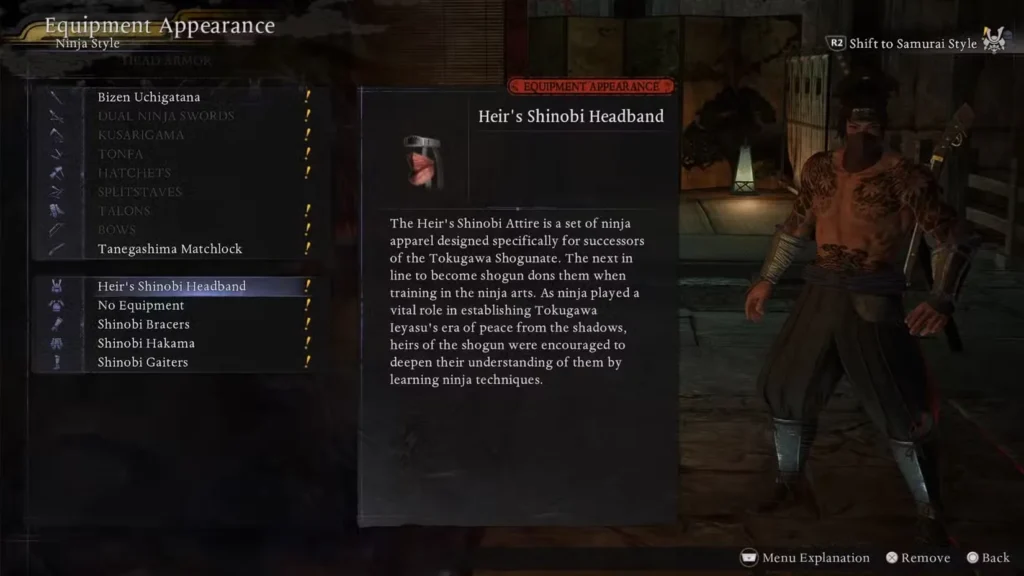
From the same mirror, choose Equipment Appearance to handle transmogging. This feature separates how your gear looks from what you’re actually wearing, letting you maintain visual consistency without sacrificing performance.
Transmogging Armor in Nioh 3
Each armor piece (head, chest, arms, legs, feet) can be individually transmogged to any other piece you’ve collected. Want to keep that early-game helmet look while wearing endgame stats? No problem.
You can even hide armor pieces entirely while keeping their special effects and stat bonuses active. This works great if you prefer showing off your character’s face or want a lighter visual appearance without losing defensive capabilities.
Transmogging Weapons in Nioh 3
Weapon transmogging works similarly but has one important restriction: you can only transmog weapons within the same category. If you’re wielding a Tonfa in Ninja Style, you can make it look like any other Tonfa you’ve found, but you can’t make it appear as a sword or spear.
Also worth noting—you can’t transmog weapons you’re not currently using. Switch to a different weapon type, and you’ll need to return to the mirror if you want to adjust its appearance.
Persistent Transmog Settings in Nioh 3
Once you set an appearance, it sticks even when you swap gear. Equip a higher-level weapon or better armor for a tough boss fight, and your chosen transmog remains applied. The only way to change or remove it is by returning to the Eternal Rift mirror and manually adjusting settings.
This persistence means you won’t accidentally ruin your carefully crafted look every time you upgrade equipment, which is a nice quality-of-life touch.
If you’ve just started playing, don’t forget to claim your demo and preorder items before diving into heavy customization.
Why Appearance Customization Matters in Nioh 3
While stats and builds determine success in combat, appearance customization adds personal investment to your experience. Running through dozens of hours with a character that feels like yours makes the journey more engaging.
Transmogging also helps with visual clarity. Maybe you love the look of a particular armor set but hate its stats. Or perhaps you’ve found the perfect weapon statistically but can’t stand how it looks. The transmog system solves both problems without forcing compromises.
Plus, fashion is the true endgame in any action RPG. Once you’ve mastered combat mechanics and optimized your build, putting together a striking visual presentation becomes the next challenge.
For more information about Nioh 3, visit the official Team Ninja website, check it out on PlayStation Store, or grab it on Steam.
Frequently Asked Questions
Can I change my character’s appearance at any time in Nioh 3?
Yes, but you need to return to the Eternal Rift and use the mirror on the second floor of the northern building. You can’t adjust appearance during missions or at Shrines—only at this specific location.
Does transmogging equipment affect stats or performance in Nioh 3?
Not at all. Transmog is purely cosmetic. Your actual equipped gear determines all stats, special effects, and bonuses. The transmog system only changes visual appearance, so you can prioritize performance without worrying about looks.
Can I transmog any weapon to look like another weapon type in Nioh 3?
No. Weapon transmogging is restricted to the same weapon category. A Tonfa can only be made to look like other Tonfas, a katana can only look like other katanas, and so on. You can’t cross weapon types with transmog.
Do I need to re-apply transmog every time I change equipment in Nioh 3?
No. Once you set a transmog appearance at the Eternal Rift mirror, it persists even when you equip different gear. The visual override stays active until you manually change or remove it by returning to the mirror.