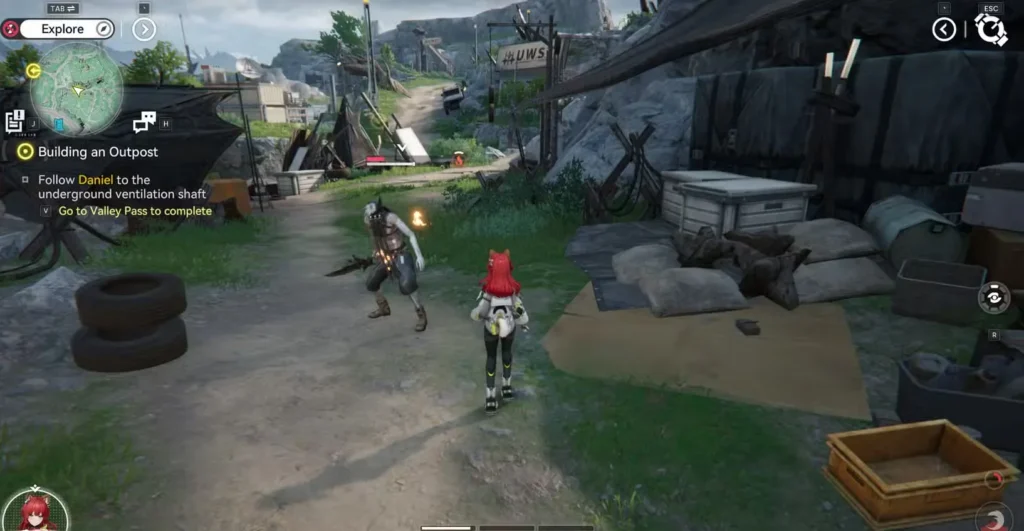
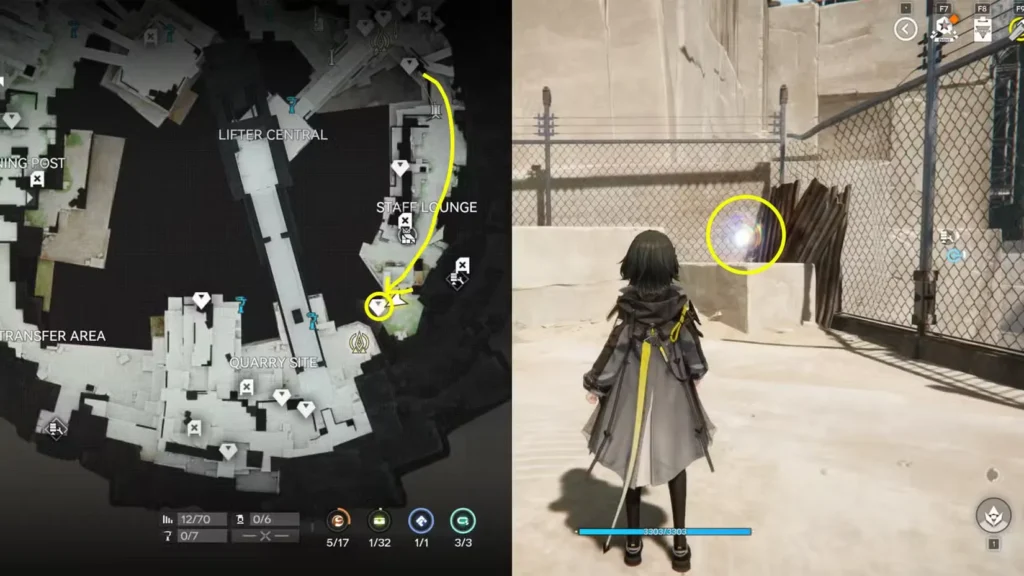
When you’re exploring Talos-II in Arknights Endfield, you’ll quickly discover that your backpack fills up faster than you’d expect. Between gathering plants like Buckflower (which you can process into healing powder), mining minerals, and collecting quest rewards, inventory management becomes a real challenge. The Quick Stash system lets you handle this smoothly once you know how it works.
If you’re new to the game, check out our complete Arknights Endfield guides hub for everything you need to get started. You can download the game from the official Endfield site, Google Play, or Epic Games Store.
Understanding Your Backpack Limits in Arknights Endfield
Your backpack starts with a 35-item capacity limit during Valley IV, Chapter 1. This might sound like plenty at first, but when you’re gathering resources for crafting, completing quests, and picking up everything useful you find, those slots disappear quickly. Rather than forcing you to constantly drop items or make difficult choices about what to keep, the game provides the Quick Stash feature—your direct line to the regional Depot.
How Quick Stash Actually Works
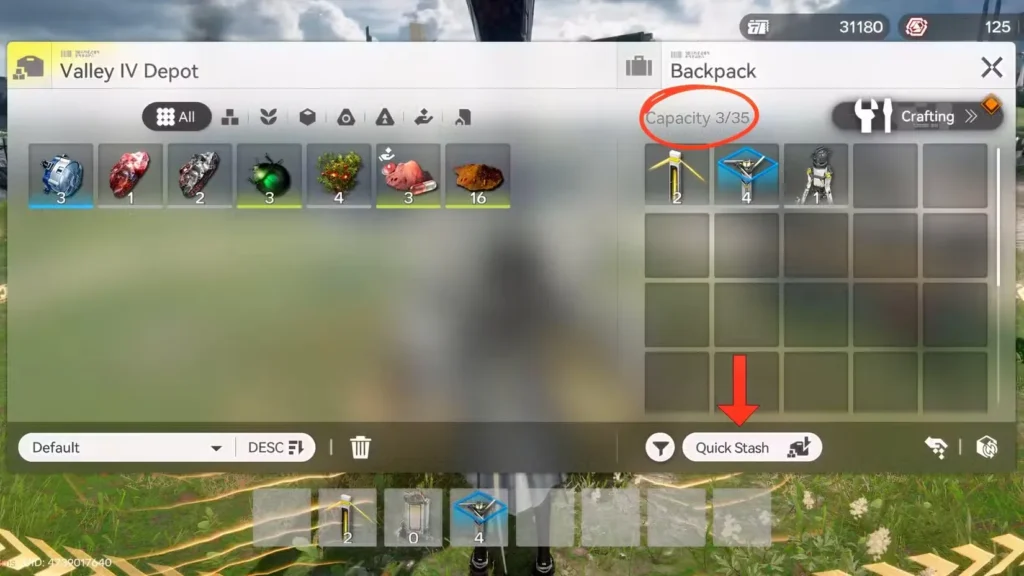
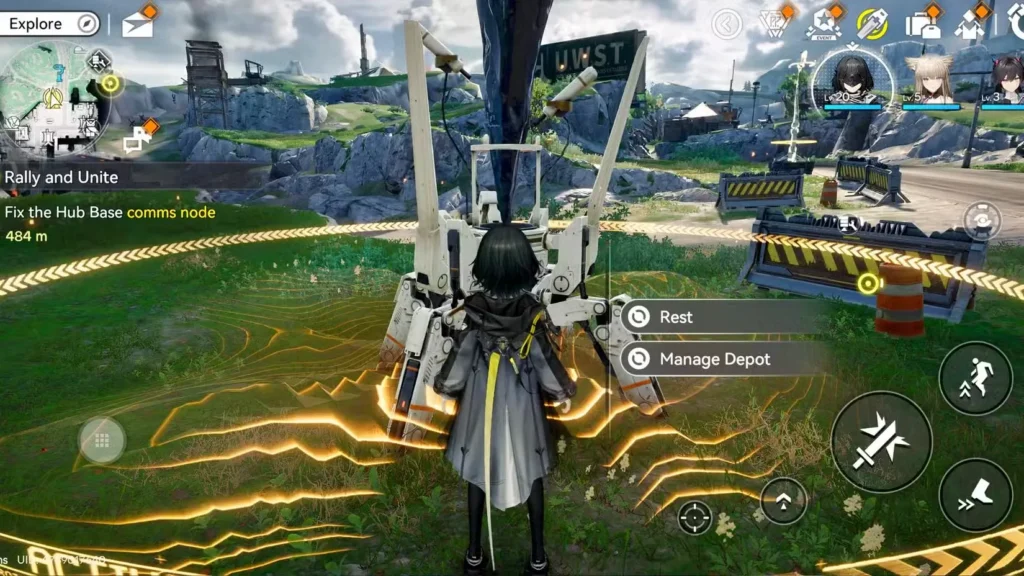
Quick Stash serves as your instant storage solution, transferring items from your backpack directly to the Depot. However, you can’t access this feature just anywhere. You’ll need to locate a TP Point (Tale-Protocol Point) to use it.
Here’s the step-by-step process:
- Find and interact with any TP Point across Talos-II
- Select the “Manage Depot” option from the menu
- Click the “Quick Stash” button to transfer everything automatically
This immediately moves all your gathered materials to safe storage, freeing up your backpack for continued exploration.
Selective Storage Options
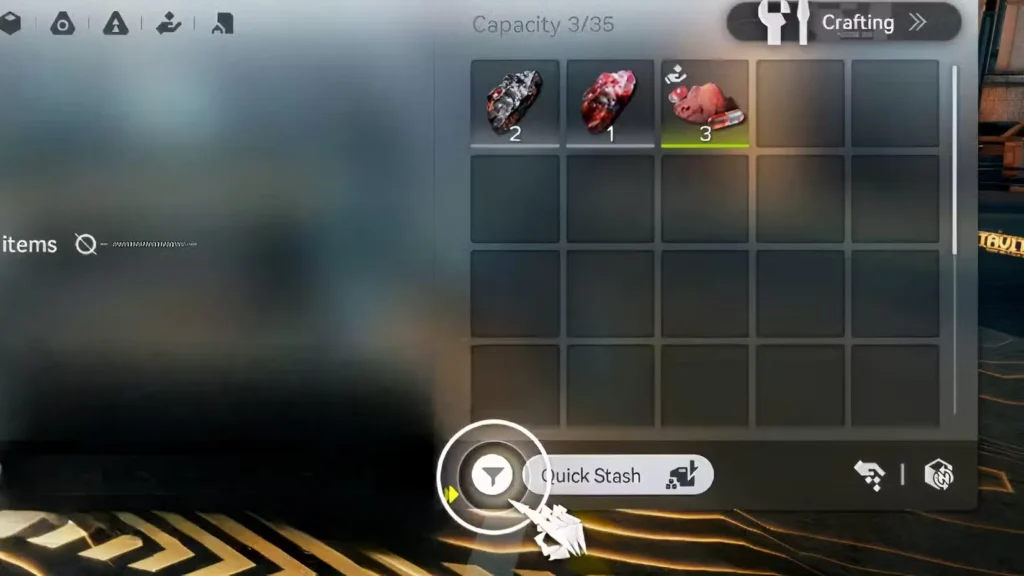
Not everyone wants to dump their entire inventory into storage. Maybe you’re keeping certain materials for immediate crafting or you’ve got consumables you want quick access to. The game lets you be selective:
- Manual Transfer: Drag individual items from your backpack to the Depot
- Filter System: Use the filter icon next to Quick Stash to sort by category
The available categories include:
- Plants (like that Buckflower we mentioned earlier)
- Gatherables
- Minerals
- Products
- Progression items
- Usables
- Basic Facilities
- Miscellaneous
This filtering system makes it easy to, say, store all your minerals while keeping healing items on hand. For more tips on managing your resources efficiently, our gear templates guide covers related inventory strategies.
Locating TP Points Across Talos-II
TP Points first show up during the Valley Reboot quest, which serves as your introduction to this system. After that initial encounter, you’ll find these experimental devices scattered throughout the map as you progress.
Finding them is straightforward:
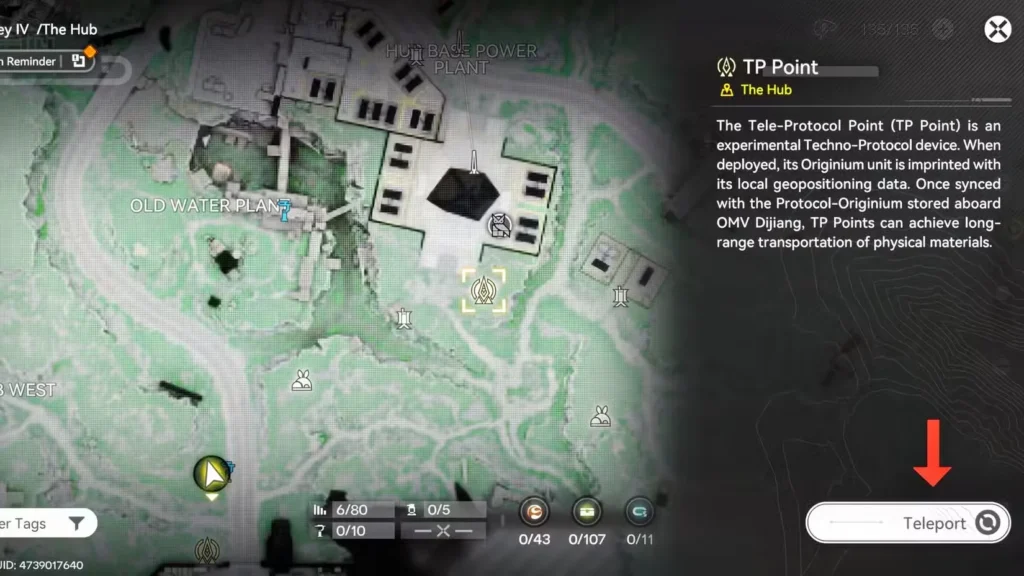
- Open Protosync (the facility icon in the top-right corner)
- Navigate to the Maps section
- Look for TP Point markers on the map
- Click the teleport icon on the TP Point’s info card
Unlike other destinations that require you to physically travel or use PAC teleporters, TP Points offer instant teleportation. This makes them incredibly convenient for quick inventory management during long exploration sessions.
Pro tip: TP Points also have a Rest function that fully restores your team’s HP. This makes them excellent waypoints during challenging areas—you can heal up and clear out your inventory in one stop.
Strategic Inventory Management
Making the most of Quick Stash means developing good habits:
- Regular Check-ins: Don’t wait until your backpack is completely full. Stop at TP Points periodically during exploration.
- Category Planning: Before heading out on gathering runs, decide which materials you’ll stash immediately and which you’ll keep for active use.
- Crafting Prep: If you’re working on specific recipes, keep those materials in your backpack while stashing everything else.
For players looking to optimize their overall gameplay experience, our guides on best settings and 60fps performance on mid-range laptops can help ensure smooth performance while you’re managing all these items.
Beyond Basic Storage
As you progress through Arknights Endfield, inventory management becomes part of a larger resource strategy. You’ll want materials for leveling up and promoting characters, building optimal loadouts like the best Laevatain build, and completing objectives such as increasing power output.
The Quick Stash system integrates with all these activities, letting you collect resources efficiently without constantly worrying about backpack space. Understanding how to use it effectively early on will save you countless trips back to base later.
Frequently Asked Questions
Can I access my Depot items from anywhere?
No, you need to visit a TP Point to access the Depot and retrieve stored items. However, since TP Points are scattered across the map and offer instant teleportation, accessing your storage is fairly convenient once you’ve discovered several points.
What happens if I’m at max capacity and can’t reach a TP Point?
You’ll need to manually drop items from your backpack to make room. This is why it’s smart to use Quick Stash regularly before your inventory fills completely. Alternatively, memorize where nearby TP Points are located so you can quickly teleport when needed.
Do items in the Depot take up space or have limits?
The guide doesn’t specify Depot capacity limits, but it appears significantly larger than your 35-item backpack. The Depot serves as your main storage solution, so you can safely stash resources without immediate concern about running out of room.
Can I use Quick Stash during combat or quests?
No, you must interact with a TP Point to use Quick Stash, which means you can’t access it during active combat. Plan your inventory management around exploration breaks or after completing quest objectives.