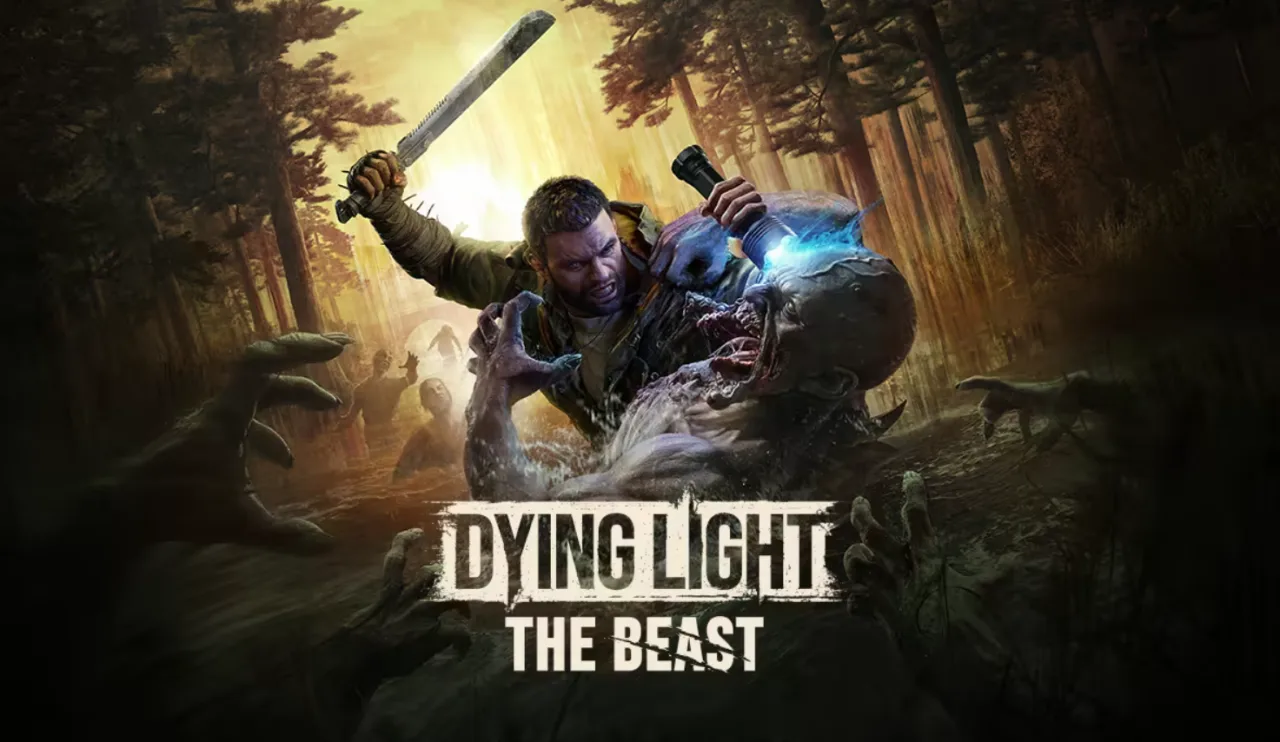
Complete guide to Dying Light: The Beast multiplayer and crossplay support. Learn how to unlock co-op, invite friends, and whether cross-platform play is available in 2025.
TL;DR
Dying Light: The Beast supports 4-player co-op throughout the entire campaign, but crossplay is NOT available at launch. You can only team up with friends on the same platform. Co-op unlocks after completing the intro sequence and reaching your first safe house. Crossplay might come in future updates.
Zombie survival is always better with friends, and Dying Light: The Beast delivers exactly what fans expect from the franchise – intense 4-player cooperative gameplay that turns every nightfall into a team-based thriller.
But before you start planning your dream squad, there’s one crucial detail that might affect your plans: the current state of crossplay support (or lack thereof). Let’s dive into everything you need to know about multiplayer in this standalone Kyle Crane adventure.
The Good News: Robust Co-op Support
Four Players, One Terrifying Journey
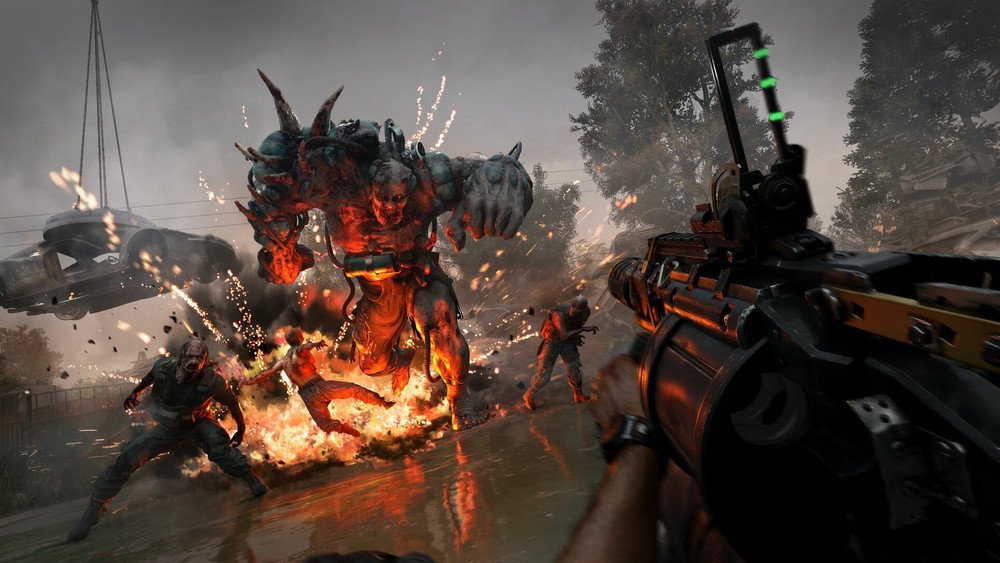
The Beast maintains the series’ tradition of supporting up to four players throughout the entire campaign. This isn’t just drop-in assistance for specific missions – your entire squad can experience Kyle’s transformation story together from start to finish.
What makes this particularly exciting is how well the game’s mechanics translate to group play. When you’re dealing with Crane’s volatile new abilities and the enhanced infected threats, having teammates to coordinate with becomes both strategically important and genuinely fun.
Unlocking Multiplayer: Your First Steps
Here’s where many players get confused, so let me break down the exact process:
You Cannot Skip the Solo Intro
Every player must complete the opening sequence alone. This includes:
- The facility escape sequence
- Initial story setup and tutorial elements
- Character introduction and basic controls
- Reaching your very first safe house
The Multiplayer Unlock Moment
You’ll know co-op is available when you see a specific notification pop up after securing that first safe house. It’s Techland’s way of ensuring everyone understands the core mechanics before the chaos of group play begins.
Why This Design Choice Makes Sense: The intro establishes crucial story context and teaches essential survival skills. Jumping straight into multiplayer would rob new players of understanding Kyle’s situation and the game’s unique mechanics.
How to Actually Get Your Squad Together
From the Main Menu
The most straightforward approach:
- Access the co-op menu from the main screen
- Browse public sessions if you want to join random groups
- Create a private lobby for friends only
- Send invitations through your platform’s friend system

Mid-Game Invitations
Already playing and want to add someone?
- Pause the game (works even during intense moments)
- Select the co-op option from the pause menu
- View your current party and available slots
- Click the plus signs to invite additional players
- Adjust privacy settings to allow drop-in/drop-out access
Pro Tip: The drop-in, drop-out system is incredibly flexible. You can set permissions that let friends join your session automatically without needing explicit invitations each time.
The Crossplay Reality Check
Unfortunately, this is where we hit a roadblock that might disappoint some players:
Dying Light: The Beast does NOT support crossplay at launch.
This means:
- Steam players can only play with other PC users
- PlayStation users are limited to PlayStation console family
- Xbox players stick with Xbox ecosystem
But Here’s the Silver Lining
Franchise director Tymon Smektala has publicly acknowledged that crossplay is being “considered” for future updates. Given Techland’s excellent track record with post-launch support (just look at how long they supported the original Dying Light), this isn’t just corporate speak – it’s a genuine possibility.
Platform-Specific Considerations
PC (Steam) Advantages:
- Typically the largest player base for Dying Light games
- Fastest to receive updates and patches
- Best performance potential for smooth co-op
PlayStation Benefits:
- Seamless integration with PlayStation Party chat
- Share Play features for helping struggling friends
- DualSense haptic feedback adds immersion
Xbox Strengths:
- Smart Delivery ensures optimal version for your console
- Game Bar integration for easy screenshots and clips
- Game Pass availability (if included) expands player base
Making the Most of Same-Platform Play
Since crossplay isn’t available, here are strategies to maximize your multiplayer experience:
Build a Platform-Specific Friend List
- Join Dying Light community groups on your platform
- Use the game’s public session browser to meet compatible players
- Consider Discord servers dedicated to your platform’s players
Optimize Your Group Composition With four player slots available, think strategically:
- The Explorer: Focuses on parkour and scouting ahead
- The Heavy: Handles combat and protects the group
- The Support: Manages resources and healing items
- The Specialist: Uses Kyle’s unique abilities effectively
What About Future Crossplay Updates?
While nothing is confirmed, several factors suggest crossplay might eventually arrive:
Industry Trends: Cross-platform play has become almost standard for major multiplayer games. Consumer demand is incredibly high.
Technical Feasibility: Modern game engines and networking solutions make crossplay much easier to implement than in previous console generations.
Techland’s History: The developer has consistently delivered substantial post-launch content and features based on community feedback.
Business Incentive: Crossplay typically increases player engagement, retention, and overall game lifespan – all good for business.
Maximizing Your Multiplayer Experience Right Now
Even without crossplay, there are ways to ensure you have a great co-op experience:
Communication is Everything
- Use platform-native voice chat for best quality
- Establish roles and strategies before diving into dangerous areas
- Share resources fairly – hoarding supplies kills team morale
Coordinate Your Playstyles
- Some players prefer stealth approaches while others go loud
- Discuss preferred difficulty levels before starting sessions
- Plan your session lengths – nothing worse than someone leaving mid-mission
Embrace the Drop-In System
- Don’t stress about maintaining the same four-person group every session
- Random players often bring fresh strategies and perspectives
- The game’s designed to handle varying group sizes smoothly
Looking Ahead: The Multiplayer Roadmap
Based on Techland’s previous support patterns and community feedback, here’s what we might reasonably expect:
Short-term (Next 3-6 Months):
- Bug fixes and stability improvements
- Quality of life updates for matchmaking
- Possible communication tool enhancements
Medium-term (6-12 Months):
- Potential crossplay implementation
- Additional co-op specific content or modes
- Enhanced social features
Long-term (12+ Months):
- Major content expansions with new co-op scenarios
- Community-requested features and improvements
- Possible integration with other Dying Light titles
Final Thoughts: Is It Worth Playing Now?
Absolutely! While the lack of launch crossplay is disappointing, Dying Light: The Beast offers some of the most engaging cooperative zombie survival available. The four-player campaign experience captures everything that made the original games special while adding new mechanics that feel fresh and exciting.
The same-platform limitation is temporary inconvenience, not a deal-breaker. Most players have friends on their preferred gaming platform, and the game’s excellent matchmaking system makes it easy to find compatible teammates.
Plus, by diving in now, you’ll be ready to take full advantage when crossplay potentially arrives. You’ll understand the mechanics, have developed strategies, and be prepared to help friends on other platforms experience this incredible cooperative adventure.
Ready to start your multiplayer zombie apocalypse? Grab the game on Steam, PlayStation, or Xbox, complete that intro sequence, and start building your ultimate survival squad.
Don’t forget to grab some free gear before you dive in! Check out our complete Dying Light: The Beast docket codes guide to unlock exclusive weapons and cosmetics that’ll give your squad a serious advantage in the zombie-infested world.


