TL;DR
- Expand your bag by purchasing Packing Tips from the PC Shop — there are four tiers costing between 100 and 1,200 Coins
- Each Packing Tip tier is locked behind a specific Environment Level milestone in a new region
- The Handy Bag (500 Coins) adds 10 quick-access slots and lets you grab items without opening your bag
- Craft a Storage Box (1 Lumber) for 20 item slots, or a Big Storage Box (3 Pokémetal Ingots) for 60 slots
- Place storage boxes next to a Workbench — items inside will be used automatically when crafting
- Storage Speciality Pokémon like Gulpin can hold at least 20 items for you, acting as a living storage box
- Use Honey to call a wandering Storage Pokémon back to their habitat
How to Expand Your Bag in Pokémon Pokopia
The primary way to increase storage in Pokémon Pokopia is by purchasing Packing Tips from the PC Shop inside the Pokémon Center. These upgrades directly expand the number of items you can carry in Ditto’s bag. There are four tiers in total, each requiring a specific level of regional progression to unlock.
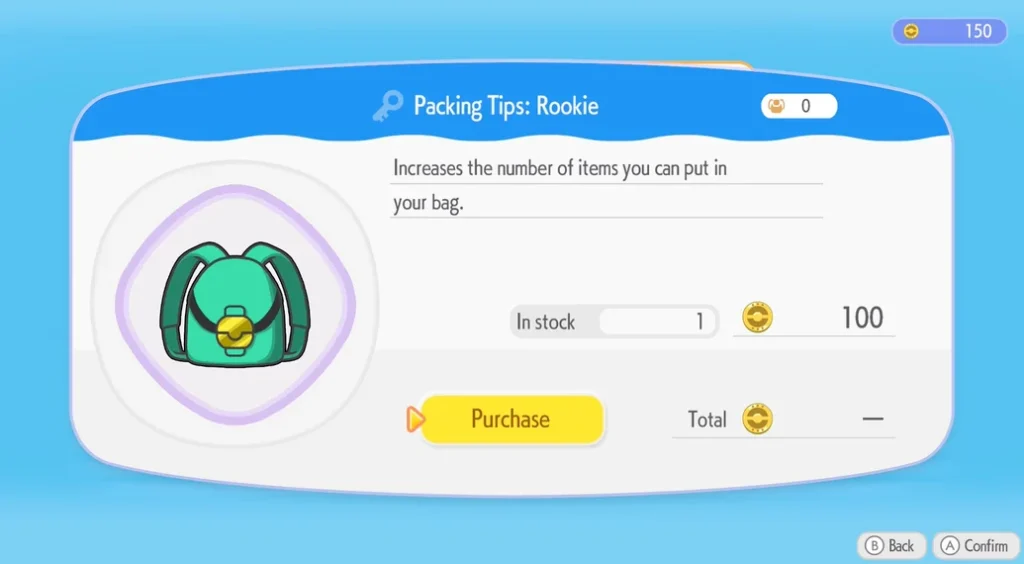
Here’s every Packing Tip, when it unlocks, and how much it costs:
| Packing Tip | Unlock Condition | Cost |
|---|---|---|
| Rookie | Available from the start | 100 Coins |
| Intermediate | Bleak Beach — Environment Level 2 | 500 Coins |
| Pro | Rocky Ridges — Environment Level 2 | 1,000 Coins |
| Expert | Sparkling Skylands — Environment Level 2 | 1,200 Coins |
As you can see, the later tiers require you to reach Environment Level 2 in progressively later regions. This means bag expansion is directly tied to how thoroughly you’re building habitats and raising Comfort Levels as you push through the game. For more on how progression works in Pokopia, including what’s waiting for you on the other side of the download, see our Pokémon Pokopia file size and setup guide.
Pokopia Handy Bag Explained
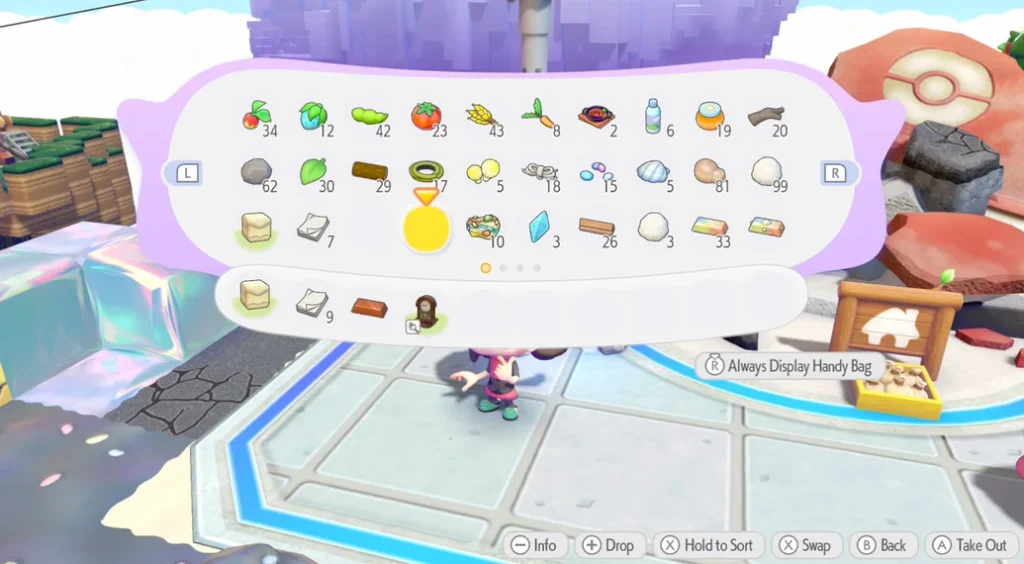
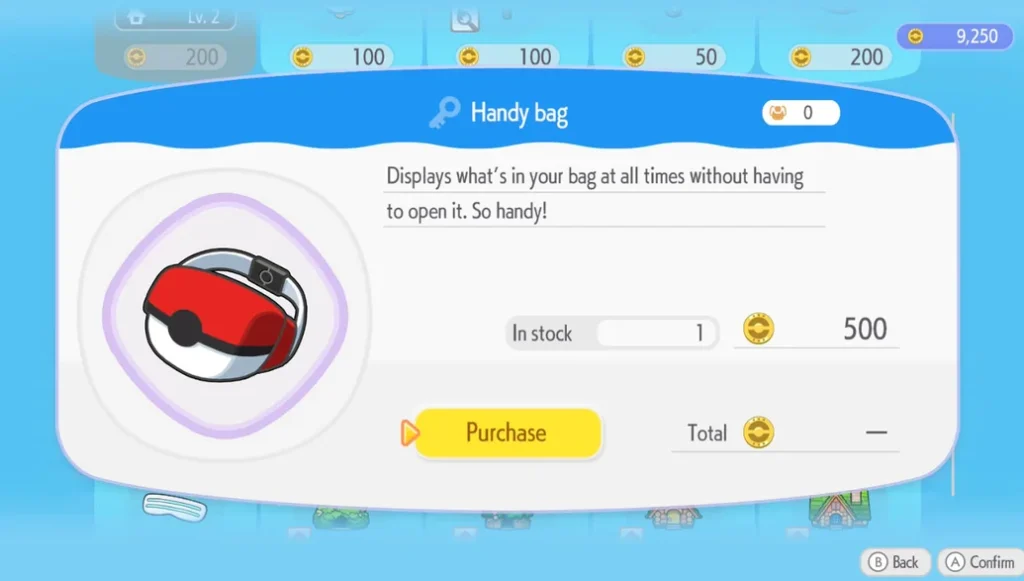
The Handy Bag is a separate purchase from the PC Shop that’s available from the very start of the game. It costs 500 Coins and unlocks 10 additional storage slots that sit at the bottom of your main bag.
What makes the Handy Bag special is its quick-access feature. By holding down the right analogue stick while your bag is open, you can pin the Handy Bag to the screen while you play — letting you grab any item from those 10 slots without pausing to open your full inventory. This is a huge quality-of-life boost when you’re actively decorating or building, since switching between items becomes nearly instant.
There is one trade-off to be aware of: when the Handy Bag is active, the D-Pad no longer switches moves by default. Instead, you’ll need to hold down the L Button and select your move from a radial menu — a control scheme that will feel familiar to anyone who has played The Legend of Zelda: Breath of the Wild or Tears of the Kingdom. If you prefer the default controls, simply hold down the right analogue stick again while in your bag to deactivate the Handy Bag display and restore standard move-switching.
Pokopia Storage Boxes Explained
No matter how much you expand your bag, you’re going to collect far more items than you can ever carry. That’s where Storage Boxes come in. There are two recipes available:
| Storage Box | Materials Required | Item Capacity |
|---|---|---|
| Storage Box | 1 Lumber | 20 items |
| Big Storage Box | 3 Pokémetal Ingots | 60 items |
The standard Storage Box is cheap and easy to craft — just a single piece of Lumber, making it accessible very early in the game. The Big Storage Box offers triple the capacity at 60 items, but requires Pokémetal Ingots, which can be harder to come by. Consider holding off on crafting Big Storage Boxes until you have a surplus of Pokémetal, since it has plenty of other uses too.
One of the most useful mechanics to know: if you place a Storage Box directly next to a Workbench, any items stored inside it will be automatically pulled into your crafting. This means you don’t need to carry every material in your bag — you can leave resources stored nearby and the Workbench will use them whenever you craft. This single placement tip can save a huge amount of inventory juggling over the course of the game.
Items also stack inside storage boxes, so you can fit considerably more than the raw slot count suggests.
Pokopia Storage Speciality Explained
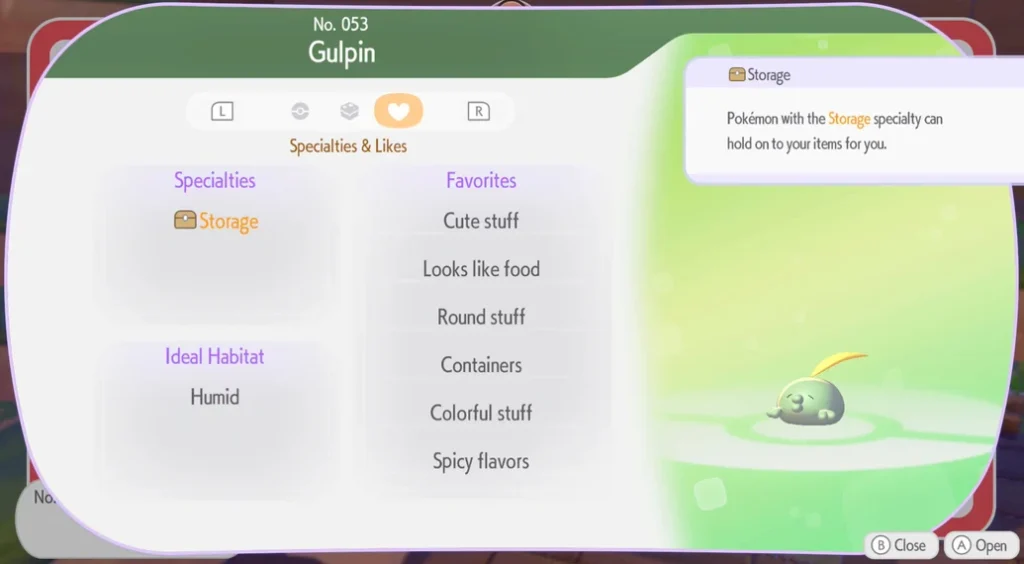
There’s a third storage option that many players may overlook: Pokémon with the Storage Speciality. Pokémon like Gulpin have this trait, and you can use them as living storage containers.
Simply talk to a Storage Speciality Pokémon and select “I wanna check my storage” to access their individual inventory — which holds at least 20 items, making them equivalent to a standard Storage Box. This is a handy overflow solution, especially early on before you’ve had the chance to craft boxes.
The main limitation is that Storage Speciality Pokémon are tied to their biome and can wander around within it, so they won’t always be in a convenient spot. If yours has gone for a stroll, use Honey to attract them back to their habitat. You can also check which Storage Pokémon you’ve encountered so far by filtering for the Storage Speciality in the Pokédex.
Storage Tips for Pokémon Pokopia
Managing your inventory well in Pokopia is an ongoing challenge. Here are some extra tips to help you stay on top of it:
- Buy the Rookie Packing Tip immediately — it costs just 100 Coins and is available from the start, so there’s no reason to delay
- Place multiple Storage Boxes near your Workbench — the more you have nearby, the more materials you can draw from automatically during crafting
- Prioritise the Handy Bag early — its 10 quick-access slots and on-screen display make decorating and building significantly smoother
- Collect Lumber regularly — since Storage Boxes only cost one Lumber to craft, keeping a good supply means you can always expand storage on demand
- Raise Environment Levels in new regions as soon as possible — this is the only way to unlock the Intermediate, Pro, and Expert Packing Tips, so it’s worth investing in habitats whenever you arrive somewhere new
Looking to personalise your Ditto character while you explore? Check out our guides on how to change your appearance and the full Pokopia hairstyles list to get the look you want. And don’t miss our guide to dolls — they’re one of the most important collectibles in the game, especially for accessing Dream Islands.
Frequently Asked Questions
How do I increase my bag size in Pokémon Pokopia?
Purchase Packing Tips from the PC Shop inside the Pokémon Center. There are four tiers — Rookie (100 Coins), Intermediate (500 Coins), Pro (1,000 Coins), and Expert (1,200 Coins). The last three are each locked behind reaching Environment Level 2 in a specific region
What is the Handy Bag in Pokémon Pokopia?
The Handy Bag is an item purchased from the PC Shop for 500 Coins. It adds 10 extra storage slots and lets you pin those slots to your screen for quick item access without opening your full bag
How do I craft a Storage Box in Pokémon Pokopia?
A standard Storage Box requires just 1 Lumber and holds 20 items. A Big Storage Box requires 3 Pokémetal Ingots and holds 60 items. Place either box next to a Workbench to automatically use the stored items when crafting.
What are Storage Speciality Pokémon in Pokopia?
These are Pokémon — like Gulpin — that can hold items for you. Talk to them and select “I wanna check my storage” to access their inventory, which holds at least 20 items. They roam within their biome, so use Honey to bring them back if they wander.
When does the Expert Packing Tip unlock in Pokémon Pokopia?
The Expert Packing Tip unlocks once you reach Environment Level 2 in the Sparkling Skylands region. It costs 1,200 Coins from the PC Shop and is the final bag expansion currently available.