
TL;DR
- Ditto learns 14 moves and transformations across the main game and post-game
- Moves are split into two types: regular moves (8 are accessible via the move wheel using the L button) and transformation moves triggered by context-sensitive button presses
- All moves cost PP to use — restore PP by eating Leppa Berries or using the healing machine at a Pokémon Center once per day
- Moves are unlocked by meeting and completing requests for specific Pokémon throughout each region
- Transformations change Ditto’s form entirely — Surf (Lapras), Rollout (Graveler), Glide (Dragonite), and Magnet Rise (Magnemite)
- Four moves can be powered up through cooking: Water Gun (Soup), Leafage (Salad), Cut (Bread), and Rock Smash (Hamburger Steak)
- Magnet Rise is the only post-game move, found beneath the ruins of the rocket in the Withered Wasteland
- Camouflage is the only move with no story function — it’s designed for multiplayer prop-hunt style play and is not required for story progression
All Pokémon Pokopia Moves and Transformations List
Ditto may technically know just one move — Transform — but in Pokopia it uses that ability creatively, mimicking the moves of the Pokémon it meets to reshape and rebuild the world around it. Ditto tends to maintain its humanlike form, making alterations only to specific sections of its body as needed — transforming its arms into Bulbasaur’s vines for Leafage, for example. Only a handful of moves require a full-body transformation into another Pokémon.
There are 14 moves in total. Eight are accessible via the move wheel, opened by pressing the L button; you can also access them through the tab in the bottom-right of the screen. The remaining moves — Jump, Surf, Glide, and Waterfall — are triggered by context-sensitive button presses rather than being manually selected, keeping movement abilities tied to intuitive inputs.
Regular Moves
These moves are available from your move wheel (L button) and can be used freely in appropriate situations:
| Move | Effect | How to Unlock |
|---|---|---|
| Water Gun | Spray water in a + shape; revitalise dried dirt and withered plants (grass, bushes, trees, flowers); water crops. Powered up via Soup: extends watering range significantly | Withered Wasteland — Talk to Squirtle during tutorial |
| Leafage | Grows tall grass. Powered up via Salad: can grow moss on rocks and vines on walls; charged variant grows grass over a larger area | Withered Wasteland — Complete Bulbasaur’s first request during tutorial |
| Cut | Cut wooden objects like logs and trees. Powered up via Bread: can cut harder substances like metal grating; charged variant performs Cut at greater distance | Withered Wasteland — Give Scyther two Sturdy Sticks |
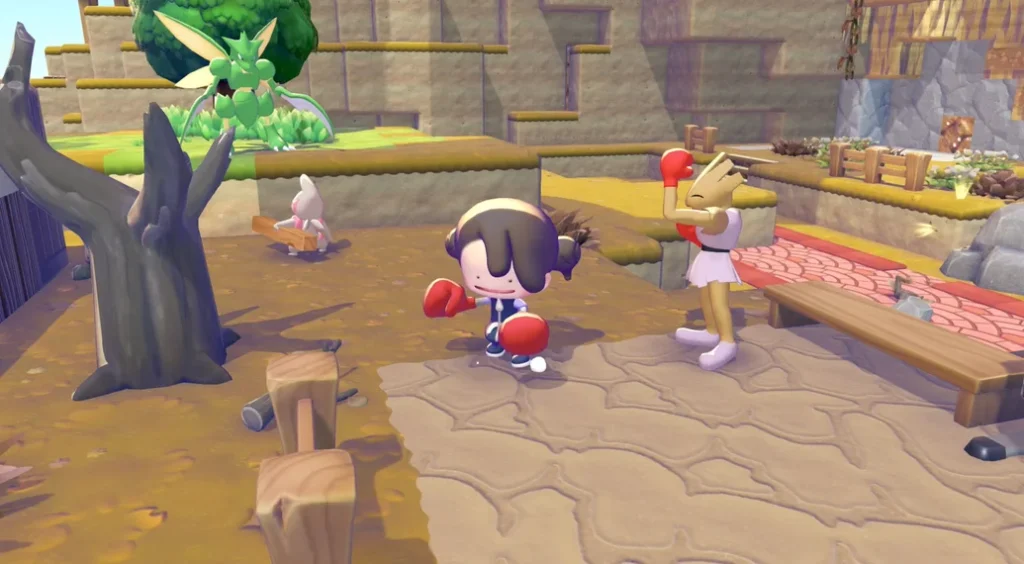
| Rock Smash | Break dirt, rocks, and other materials. Powered up via Hamburger Steak: can break harder deposits like Iron Ore and Gold Ore blocks | Withered Wasteland — Give Hitmonchan two Stones |
| Rototiller | Till dirt or grass for crops; pick up flowers, wildflowers, and small plants and move them without destroying them | Withered Wasteland — Fill the pond with water by breaking the two pieces of rumble blocking water to the east of Drilbur |
| Jump | Allows Ditto to jump; press R to use. The only move unlocked by Magikarp — despite Magikarp’s reputation for doing nothing, Jump becomes one of the most-used abilities in the game | Withered Wasteland — Make Magikarp an ‘Ocean fishing spot’ habitat when requested |
| Camouflage | Transforms Ditto into the object in front of it. Note: has no single-player story function — designed exclusively for multiplayer prop-hunt style play. Not required for story progression | Bleak Beach — Complete Zorua’s request |
| Strength | Can push rocks | Rocky Ridges — Make ‘Grassy training field’ habitat to make Machoke appear |
| Magnet Rise (Post-game) | Transforms Ditto into Magnemite; float vertically in the air; place blocks, replace, and absorb blocks directly in front of you from mid-air — a major quality-of-life upgrade for large-scale construction | Withered Wasteland Post-game — Beneath ruins of the rocket; complete Magnemite’s request: make ‘Factory Storage’ habitat |
Transformation Moves
These moves fully transform Ditto into another Pokémon and are tied to travel or exploration. They are triggered by context-sensitive button presses when you’re in the right environment, rather than being selected from the move wheel:
| Move | Transformation | Effect | Button Input | How to Unlock |
|---|---|---|---|---|
| Surf | Lapras | Transforms Ditto into a mini Lapras; allows swimming across any body of water. Without Surf, Ditto cannot float and will drown | Press B when touching water | Bleak Beach — Complete Piplup’s ‘Swimming time!’ request |
| Rollout | Graveler | Transforms Ditto into Graveler; roll quickly across terrain; smash through most objects, walls, and blocks at high speed. Caution: Rollout will destroy decorated items — use carefully in built-up areas | Context-activated on terrain | Rocky Ridges — Begin Machoke’s request about Graveler; make ‘Mossy boulder’ habitat; talk to Graveler |
| Glide | Dragonite | Transforms Ditto into Dragonite; the fastest way to navigate Sparkling Skylands and other elevated areas. Glide downward only — cannot fly upward | Press R to jump, then press R again mid-air to transform and glide | Sparkling Skylands — Begin Froakie’s request about Dragonite; make ‘Waterside dinghy’ habitat; talk to Dragonite |
| Waterfall (Surf upgrade) | Lapras | Climb waterfalls while already in Surf form; unlocks new areas and secrets previously unreachable. Activated while in the Surf transformation | Press A while in Surf form near a waterfall | Sparkling Skylands — Talk to Gyarados on the north-west island; begin Gyarados’ request; bring a bread bowl (found in the ruined café — climb the wall to the right of Gyarados and break the rumble) |
How to Power Up Moves in Pokémon Pokopia
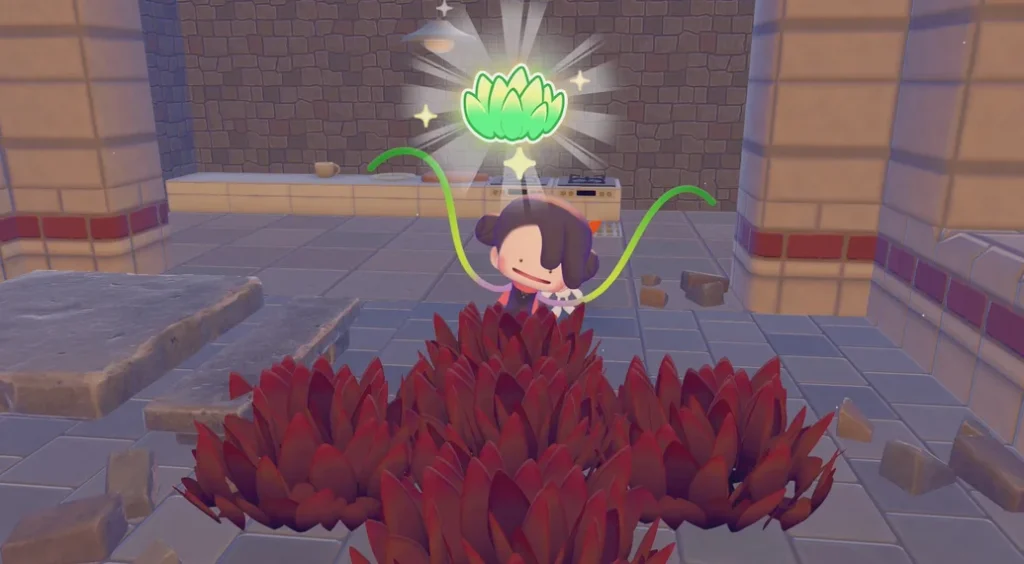
Once you reach Rocky Ridges and meet Chef Dente — a Greedent with a passion for cooking — you’ll discover that certain moves can be powered up through food. Cooking specific dishes permanently enhances those moves, unlocking new effects and charged variants. Four moves have confirmed power-up dishes. The base recipes are listed below, but note that these can be modified with variations — the move boost remains the same regardless of which variation you cook:
| Move | Power-Up Effects | Dish | Recipe |
|---|---|---|---|
| Water Gun | Extends the watering range, covering a larger area with each use — saves significant time on large habitat restoration projects and crop watering | Soup | 2x Leaf — Requires Pot |
| Leafage | Can grow moss on rocks; can grow vines on walls; if charged, can grow grass over a larger area — essential for aquatic habitats with duckweed and mossy rock surfaces | Salad | 2x Leaf — Requires Chopping Board |
| Cut | Can cut harder substances like metal grating; unlocks access to certain blocked-off areas and items; if charged, perform Cut on objects at greater distance | Bread | 3x Wheat — Requires Bread Oven |
| Rock Smash | Can break harder substances like Iron Ore and Gold Ore blocks — required for mining in Rocky Ridges and Sparkling Skylands | Hamburger Steak | 4x Bean — Requires Frying Pan |
Getting your cooking facilities set up early is worthwhile — powered-up Rock Smash in particular opens up Iron Ore and Gold Ore deposits, which are essential for smelting Ingots and building the Sparkling Skylands Pokémon Center. For a full breakdown of that rebuild and its material requirements, see our guide to building Pokémon Centers in Pokémon Pokopia.
How to Manage PP in Pokémon Pokopia
Every move in Pokopia costs PP (Power Points) to use. A curved bar shown above the move wheel in the UI represents your current PP — you’ll need enough to use moves, so managing your usage wisely is important. Running low on PP mid-session can significantly slow down your progress.
There are two main ways to restore PP:
Leppa Berries — The most convenient option in the field. Leppa Berries can be obtained by headbutting Leppa Berry trees or receiving them from other Pokémon. To use one, open your bag, select the Leppa Berry to take it out, then eat it. Planting Leppa Berry trees near your crafting area is a great way to maintain a steady supply.
Pokémon Center Healing Machine — Every rebuilt Pokémon Center has a healing machine on the right-hand side that fully restores your PP — but only once per day (the day resets at 5am). Plan your moves-heavy sessions around this reset to make the most of it.
For players still working on building their first Pokémon Center, our complete Pokémon Center rebuilding guide covers all material and Pokémon requirements for every location.
Tips for Using Moves Efficiently
- Unlock moves in order — the early Withered Wasteland moves form the foundation of everything else; prioritise Scyther’s Cut for Lumber production and Hitmonchan’s Rock Smash for collecting Stone and mining Clay as early as possible
- Power up Water Gun early — the Soup recipe only needs 2 Leaves and a Pot, making it one of the easiest power-ups to unlock; the extended range saves a lot of time on habitat restoration
- Power up Rock Smash before heading to Rocky Ridges — you can’t break Iron Ore deposits without it; eat Hamburger Steak (4x Bean in a Frying Pan) before entering the mines
- Don’t worry about Camouflage for the story — it has no single-player purpose and is purely a multiplayer move; you don’t need it to complete or progress the game
- Be careful with Rollout near decorated areas — it’s excellent for clearing raw terrain quickly, but it will destroy built-up decorations and placed items if you roll into them
- Get Glide as soon as possible — it’s the fastest way to navigate Sparkling Skylands; remember the activation: press R to jump, then press R again mid-air to transform
- Transformation moves are persistent — once you’ve unlocked Surf, Rollout, and Glide, they’re always available without costing PP during the transformation itself
- Post-game Magnet Rise is worth the effort — the ability to decorate, place, and absorb items from mid-air is a significant quality-of-life upgrade for large-scale world-building
- Use the Handy Bag while decorating so you can quickly switch between moves and items without opening your full inventory; for more on that, see our storage guide
Frequently Asked Questions
How many moves can Ditto learn in Pokémon Pokopia?
There are 14 confirmed moves and transformations in total — 9 regular moves on the move wheel (including 1 post-game move), 3 full transformation moves, and Waterfall as a Surf upgrade. Eight of these are accessible via the move wheel (L button); the rest are triggered by context-sensitive button presses.
How do I restore PP in Pokémon Pokopia?
Eat Leppa Berries (found by headbutting Leppa Berry trees or received from Pokémon) or use the healing machine at any rebuilt Pokémon Center, which fully restores PP once per day (resets at 5am).
What moves transform Ditto into another Pokémon?
There are four transformation moves: Surf (press B near water → mini Lapras for swimming), Rollout (context-activated → Graveler for fast rolling and breaking), Glide (press R to jump, then R again → Dragonite for gliding), and Magnet Rise (post-game → Magnemite for aerial building). Waterfall is a Surf upgrade activated by pressing A while already in Surf form.
How do I power up moves in Pokémon Pokopia?
Cook specific dishes after meeting Chef Dente in Rocky Ridges. Soup (2x Leaf, Pot) powers up Water Gun, Salad (2x Leaf, Chopping Board) powers up Leafage, Bread (3x Wheat, Bread Oven) powers up Cut, and Hamburger Steak (4x Bean, Frying Pan) powers up Rock Smash.
What is the last move unlocked in Pokémon Pokopia?
Magnet Rise is the final move, unlocked in the post-game beneath the ruins of the rocket in the Withered Wasteland by completing Magnemite’s request to build the ‘Factory Storage’ habitat. It allows Ditto to float vertically, place blocks, and absorb blocks mid-air — making it the most powerful building tool in the game.
What is Camouflage used for in Pokémon Pokopia?
Camouflage transforms Ditto into nearby objects, but has no single-player story function. It is designed exclusively for multiplayer, enabling prop-hunt style play with other players. You do not need to unlock it to complete the story or progress through any quest.


