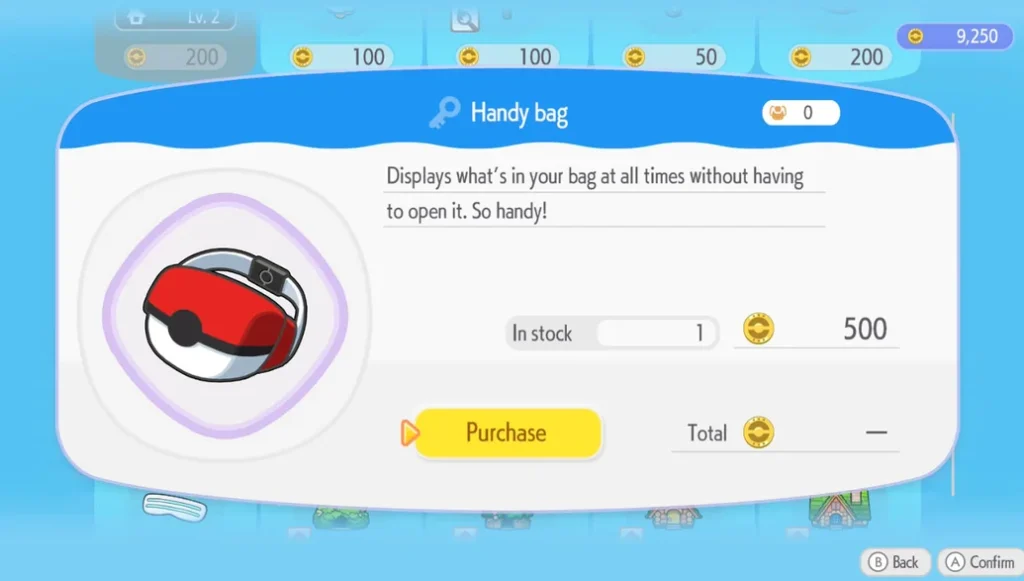
How to Increase Storage in Pokémon Pokopia — Bags, Boxes & More
Learn how to increase storage in Pokémon Pokopia by buying Packing Tips from the PC shop, using the Handy Bag, crafting storage boxes, and using Storage Speciality Pokémon
Never get stuck again — we’ve got every step covered.
Navigate every gym, rival battle, legendary encounter, and post-game challenge with confidence using Pokopia’s in-depth guides and walkthroughs. Our step-by-step walkthroughs cover every mainline game and spin-off, written by experienced trainers who leave nothing out. Find EV training tips, shiny hunting strategies, version exclusives, hidden items, secret areas, and optimal team-building advice — all organized for quick, frustration-free reading. Whether you’re a first-time player or a seasoned veteran attempting a Nuzlocke challenge, Pokopia’s guides have you covered.
Learn how to increase storage in Pokémon Pokopia by buying Packing Tips from the PC shop, using the Handy Bag, crafting storage boxes, and using Storage Speciality Pokémon
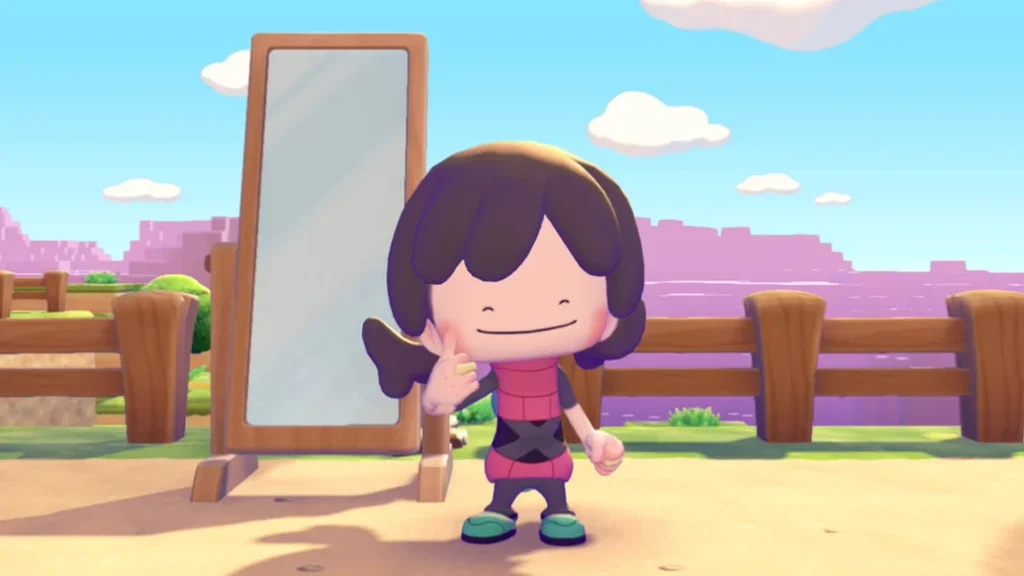
Here’s the full Pokémon Pokopia hairstyles list for Ditto, including all 7 default styles and how to unlock more through Human Records in the Withered Wasteland and Dream Islands.
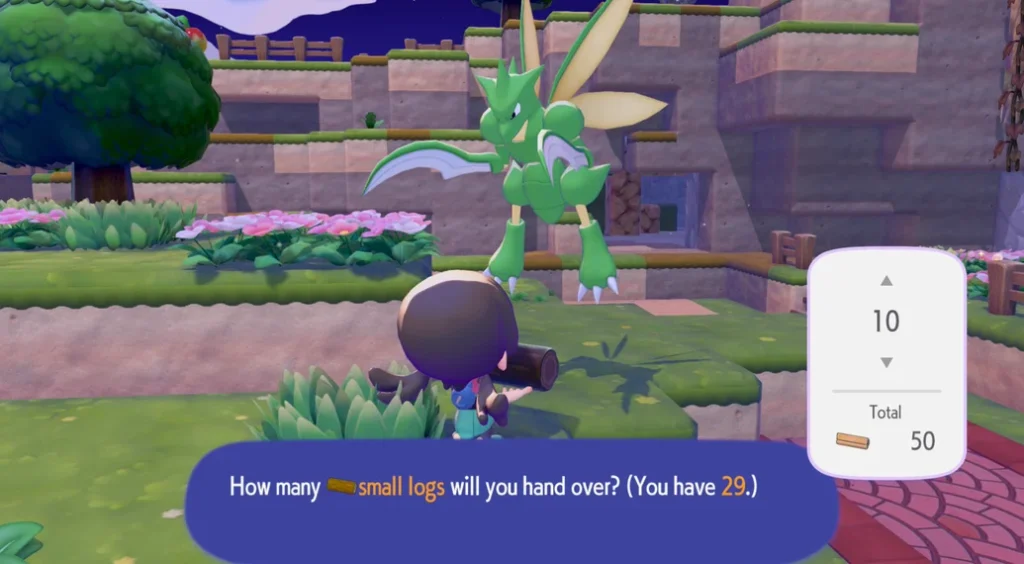
Know how to get Lumber in Pokémon Pokopia. Find out how to use Small Logs, which Pokémon have the Chop Speciality, and the fastest ways to farm Lumber for building furniture and Pokémon Centers.
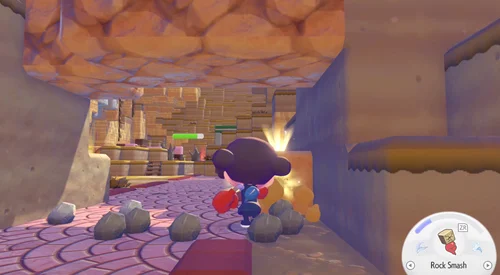
Learn how to get dolls in Pokémon Pokopia — find them in the overworld, break glowing blocks, buy from the PC shop, or collect from Red Poké Balls. All methods explained.
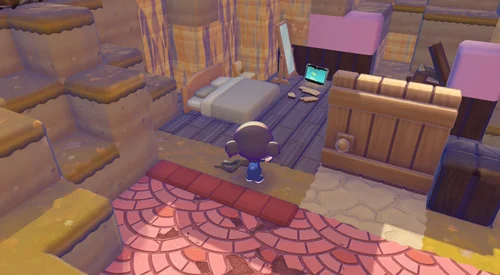
Learn how to change appearance in Pokémon Pokopia using mirrors. Find out where to get mirrors, how to access the character customisation screen, and how to change Ditto’s hairstyle and outfit
Wondering about the Pokémon Pokopia file size? The game requires 10GB of storage on Nintendo Switch 2. Here’s how to preload it and get ready to play.