TL;DR
- Environment Level measures the overall quality of a location in Pokémon Pokopia.
- Raising it unlocks new items and challenges in the PC Shop.
- There are two ways to increase it: befriending new Pokémon and raising Pokémon’s Comfort Levels.
- Raising Comfort Levels is the most reliable and consistent method.
- Check your current Environment Level at the PC next to the Pokémon Centre.
Environment Level refers to the overall quality of a location in Pokémon Pokopia. It’s well worth investing time into raising it — each new Environment Level you reach unlocks additional items and challenges in the PC Shop, giving you more furniture and useful resources to work with as you build out your island.
Here’s everything you need to know about how to increase Environment Level in Pokémon Pokopia.
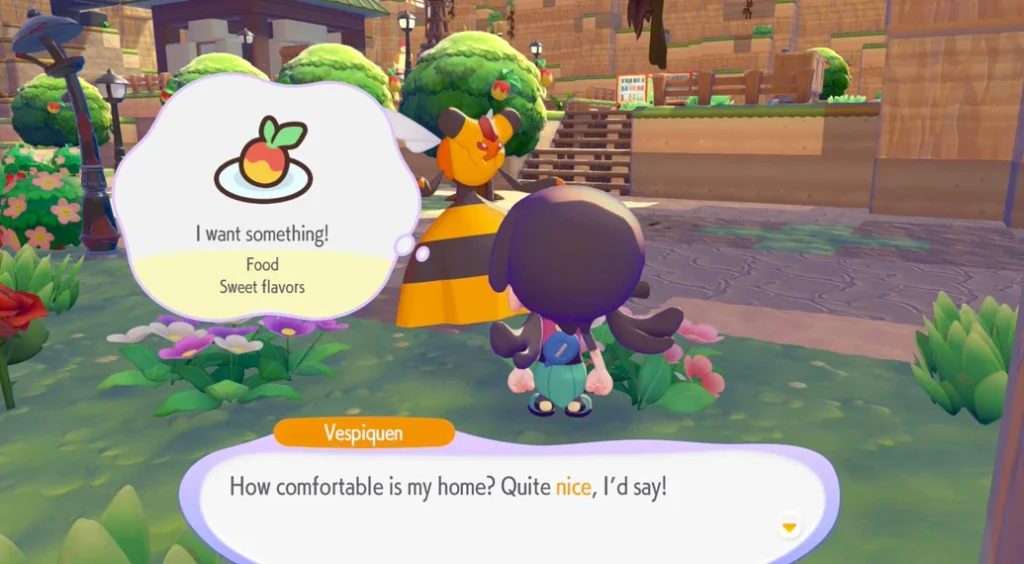
How to Increase Environment Level in Pokémon Pokopia
There are two ways to increase the Environment Level of any location in Pokémon Pokopia: befriending new Pokémon and raising Pokémon’s Comfort Levels.
Method 1 – Befriend New Pokémon by Building Habitats
Befriending new Pokémon means attracting them to your island by creating the right habitats. Whenever you arrive at a new location, one of the best things you can do straight away is start building habitats — this is the fastest way to push through the first couple of Environment Levels quickly.
As you spend more time in a location, keep expanding your habitat collection using traces you discover around the area, requests from Pokémon, and your own experimentation with furniture combinations. You might be surprised by what you stumble across just by trying new setups.
For a full breakdown of every habitat in the game and what items each one needs, check our complete Pokémon Pokopia Habitat Dex. You’ll also need a steady supply of building materials — our guides on how to get lumber, how to get wheat, how to get bricks, and how to get iron ingots will keep your building going without interruption.
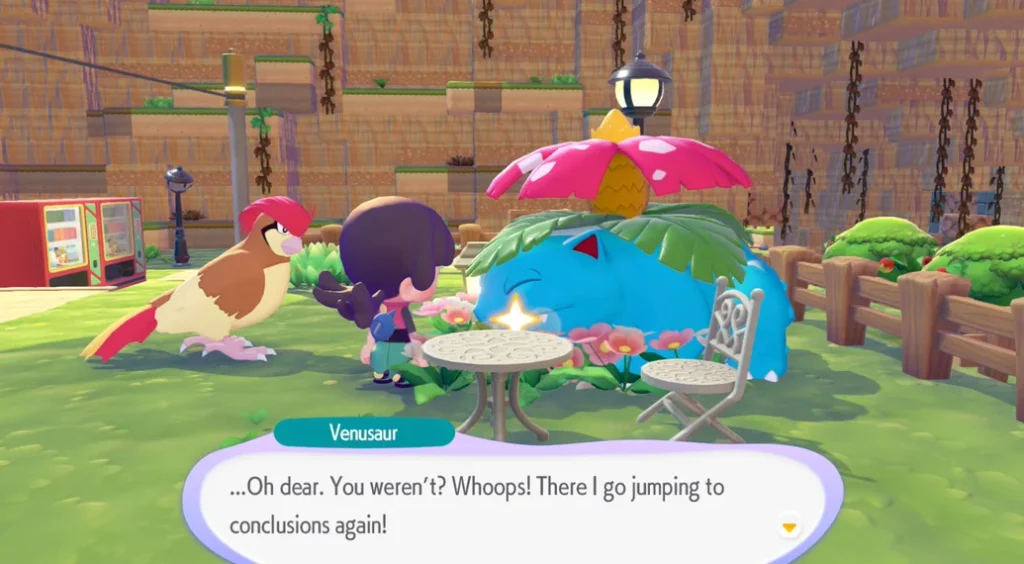
Method 2 – Raise Pokémon’s Comfort Levels
Raising Pokémon’s Comfort Levels is the primary and most reliable way to increase your Environment Level. Unlike waiting for new Pokémon to show up, improving Comfort Levels is something you can actively work on at any time — making it far more consistent for steady Environment Level growth.
Comfort Level is all about making a Pokémon’s habitat better suited to their specific needs. The better the habitat fits what that Pokémon likes, the higher their Comfort Level climbs — and the more your Environment Level benefits. We have a dedicated guide on how to increase Comfort Levels in Pokopia that walks through every step in detail.
You’ll receive a notification whenever you reach a new Environment Level. After that, head to the PC to find newly unlocked items in the shop and fresh challenges waiting for you.
How to Check Environment Level in Pokémon Pokopia
To check the Environment Level for your current location, head to the PC next to the Pokémon Centre. Your current Environment Level is displayed at the top of the main PC menu as soon as you open it.
From there, pressing the Minus button (−) brings up a full list of every Pokémon currently in that location, organised by their Comfort Levels. This is a great way to quickly identify which Pokémon are furthest from their Comfort Level cap — letting you prioritise efficiently and make faster progress toward the next Environment Level.
If you haven’t built your Pokémon Centre yet, our guide on how to build Pokémon Centres in Pokopia will get you set up. While you’re at the PC, it’s also a good time to check for active Pokémon Pokopia Mystery Gift codes — free items from these can come in very handy for habitat building.
Tips for Raising Environment Level Faster
Prioritise Pokémon with the lowest Comfort Levels first. The Minus button on the PC organises Pokémon by Comfort Level, making it easy to spot who needs the most attention. Focusing on the lowest-rated Pokémon gives you the most Environment Level gain per effort.
Keep building habitats as you go. Every new Pokémon you befriend contributes to your Environment Level. Don’t stop at the first few — keep expanding and experimenting. Our Pokémon Pokopia Pokédex lists every Pokémon alongside the habitats needed to attract them, which makes planning ahead much easier.
Explore new areas promptly. Each location in Pokopia has its own Environment Level, so the sooner you start building habitats and improving Comfort Levels in a new area, the sooner the PC Shop rewards start flowing. If you’re still getting familiar with movement around the island, check out how to jump in Pokopia and how to swim in Pokopia to make sure you can reach every corner of each location.
Make sure your storage is ready. As the PC Shop unlocks new items with each Environment Level, your inventory can fill up quickly. See how to increase storage in Pokopia so you’re never caught short when new furniture recipes drop.
FAQs – Environment Level in Pokémon Pokopia
Q: What is Environment Level in Pokémon Pokopia?
A: Environment Level is a measure of the overall quality of a location in Pokémon Pokopia. Raising it unlocks new items and challenges in the PC Shop, giving you more furniture and resources to use across your island.
Q: How do you increase Environment Level in Pokémon Pokopia?
A: There are two methods — befriending new Pokémon by building habitats, and raising the Comfort Levels of Pokémon already in your location. Raising Comfort Levels is the most reliable ongoing method, while building habitats is great for quick early gains when you first arrive somewhere new.
Q: Where do you check your Environment Level in Pokémon Pokopia?
A: Head to the PC next to the Pokémon Centre in your current location. Your Environment Level is displayed at the top of the main PC menu. Pressing the Minus button (−) shows all Pokémon in the area sorted by their Comfort Levels.
Q: What rewards do you get for increasing Environment Level?
A: Each new Environment Level unlocks additional items in the PC Shop — including new furniture recipes and other useful items — as well as new challenges to complete.
Q: Does each location have its own Environment Level?
A: Yes, every location in Pokémon Pokopia has its own independent Environment Level. You’ll need to build habitats and raise Comfort Levels separately in each area to unlock that location’s full range of PC Shop items and challenges.
Guide based on current Pokémon Pokopia version. Details may be updated as new content is added.